 WaveSmith
Home / Guides / How to convert WAV to MP3
How to convert WAV to MP3

A WAV is a master-shaped file. MP3 is a delivery copy. WaveSmith keeps that distinction so you do not overwrite the only lossless you have.
WAV is the master; MP3 is the copy
Convert/Export is not a hidden Save as MP3. The open document stays a 32-bit float master. You pick Lossy → MP3, a bitrate, a folder, and a new name. The WAV stays where you left it. That is the whole point of a workstation instead of a website that replaces the file you dropped.
Read the HUD sample rate before you commit. A 48 kHz video WAV should usually stay 48 kHz if it is going back to an NLE. Speech podcasts often sit at 44.1 kHz / 192 kbps. 320 kbps if the host allows the size. Do not downsample a master just because the MP3 copy is smaller — the small file is the copy.
Batch when the folder is the job
File → Batch Convert uses the same named format grid without loading every interview into the waveform. Keep the editor tab for the one file that still needs scissors. After the MP3 lands, you can still open it to trim intros — conversion is not the end of the edit.
Need M4A for a phone, FLAC for an archive, or 48 kHz Video WAV instead? Same window, different row. The convert dialog is the feature Convert audio formats; this page is only the WAV→MP3 path people actually finish in one sitting.
A folder of interviews is a batch job. File → Batch Convert, same MP3 row, new folder. Keep the editor tab for the one WAV that still has coughs. After the copies land, spot-check one file on headphones: wrong sample rate and a too-low bitrate announce themselves in sibilants. If the check fails, convert again from the WAV — never from the bad MP3.
The convert window is also where 48 kHz Video WAV and FLAC live. Use those rows when the next app is an NLE or an archive, not a podcast host. Mixing those jobs on one page is how titles collide. This URL is WAV to MP3 only.
Bitrate, sample rate, and a folder of interviews
WAV to MP3 is a copy job. The WAV stays. Convert/Export writes a sibling file. 44.1 kHz in, 44.1 kHz out unless a host demanded 48 kHz — do not upsample a 44.1 master “for quality.” 192 kbps CBR is a sane speech default; 320 if the catalog is music and the host allows it. VBR is fine when a CMS will not complain. After the copy lands, play ten seconds of sibilants on headphones. If it rasps, convert again from the WAV at a higher row. Never transcode the bad MP3 into a second MP3.
A folder of interviews is Batch Convert: same MP3 row, a new folder, the editor tab kept for the one WAV that still has coughs. Spot-check one file. If the check fails, the whole batch is suspect — fix the preset, run again from the WAVs. Keep float documents for anything you will recut next month. The convert window also names 48 kHz Video WAV and FLAC; those rows belong to an NLE or an archive, not this URL.
Do not overwrite the WAV. Do not name the MP3 the same as the master and drop them in one folder without a suffix. Next quarter you will not remember which file was the delivery. A suffix like `_podcast192` is boring and correct.
Do not transcode a delivery file twice
If a host rejects 192 kbps, go back to the WAV and pick 320 or a named M4A row. Do not open the rejected MP3 and export another MP3. Each lossy generation throws away the same sibilants you were trying to keep. Batch Convert is the same rule at folder scale: one preset, one new folder, spot-check, then stop. Keep the WAV until the CMS has accepted the copy. Next month’s recut is cheaper from float than from a podcast MP3.
How to do it in WaveSmith
Open the WAV. Confirm the HUD sample rate.
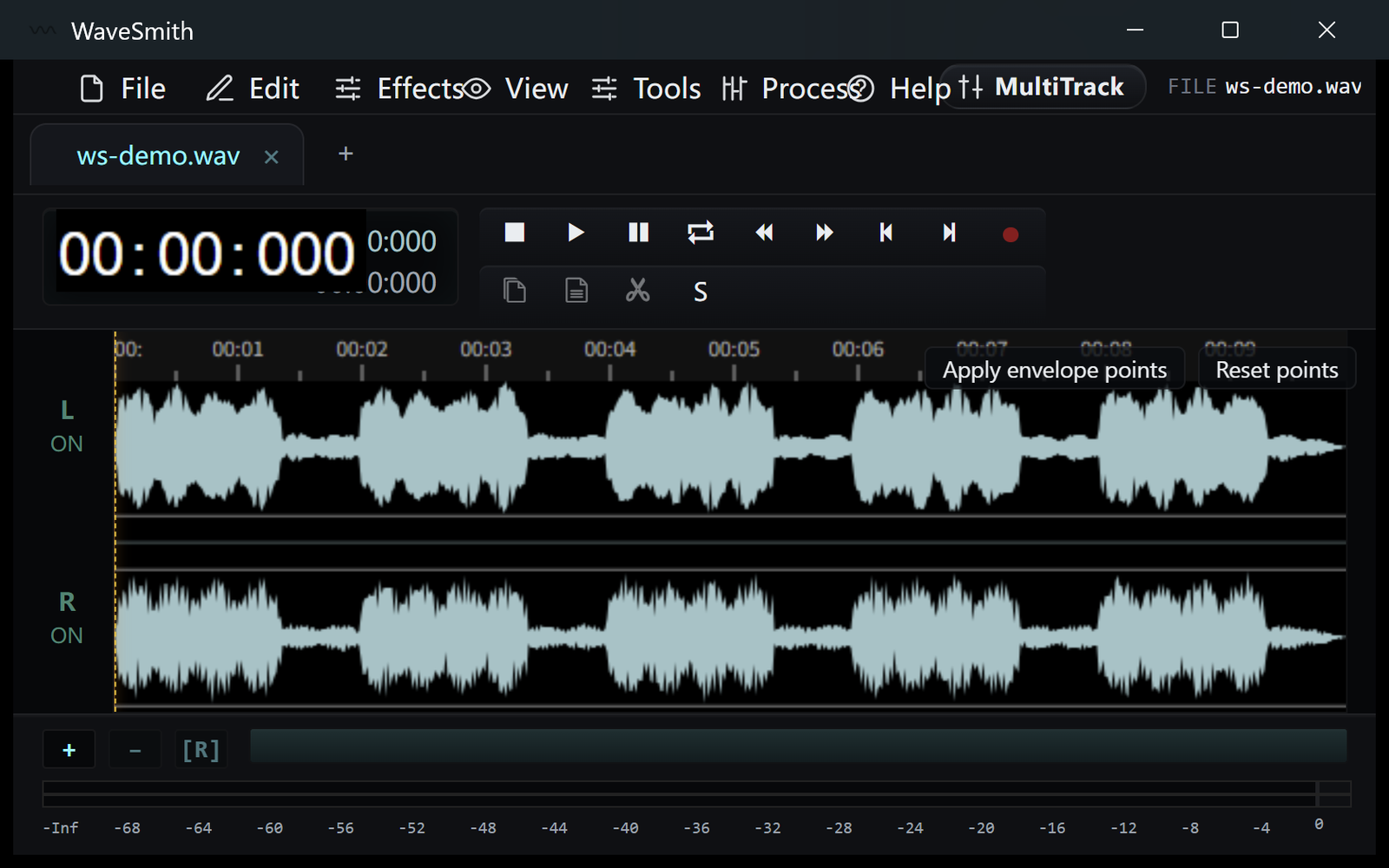
Step 1 Ctrl+Shift+X → Lossy → MP3. 192 kbps is a sane default; 320 if the host allows it.
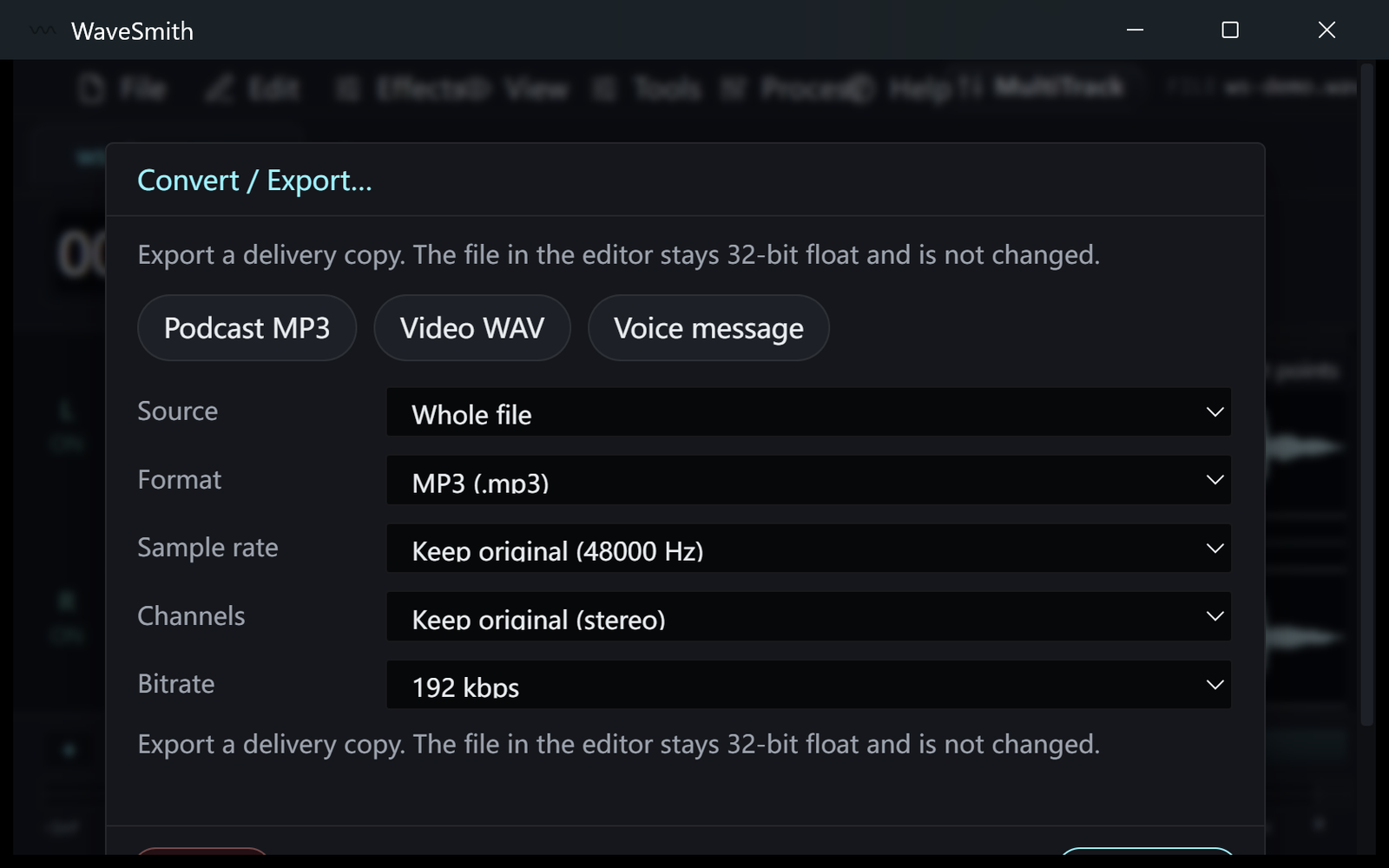
Step 2 Save the MP3 next to the WAV. Keep the WAV.
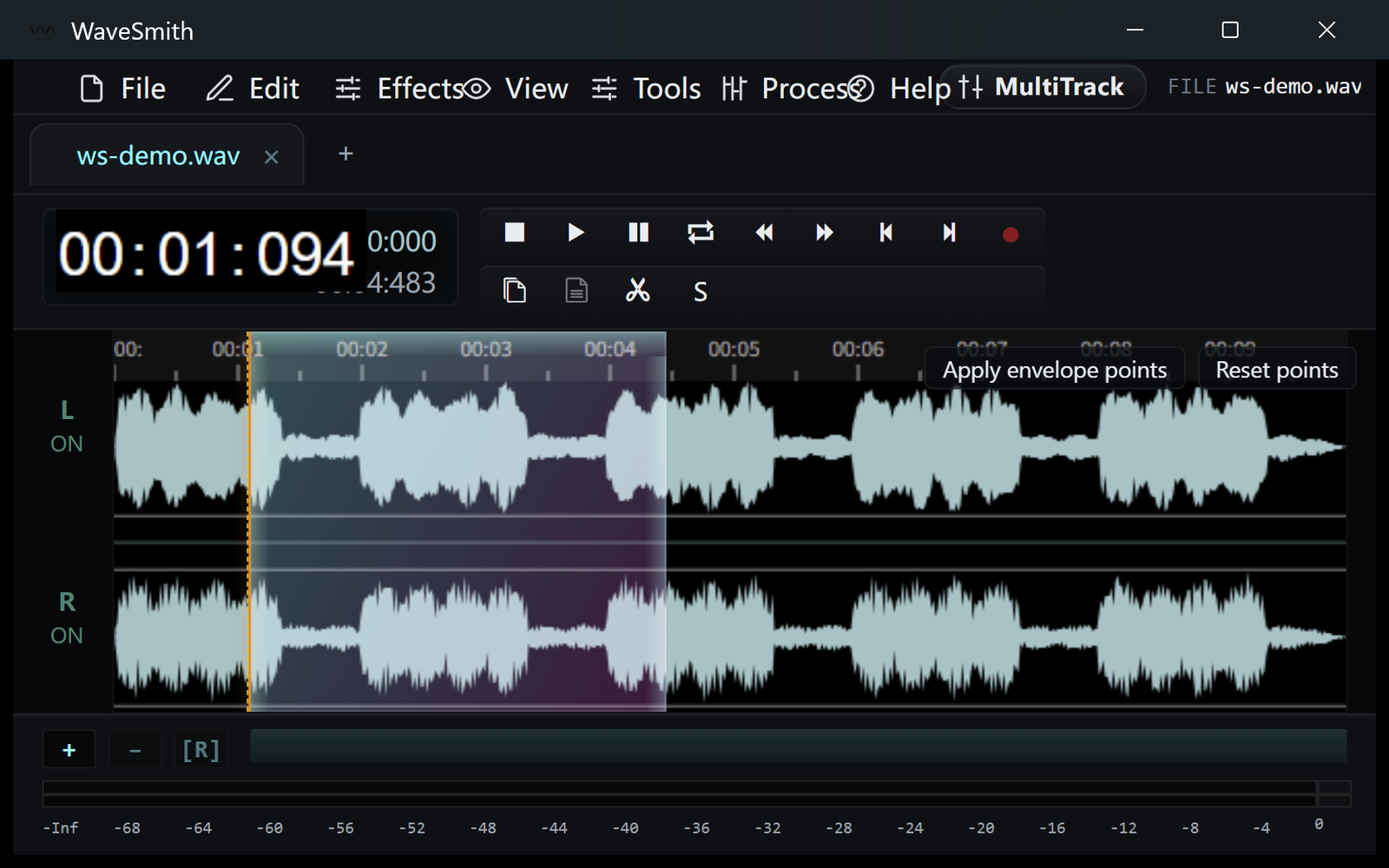
Step 3


Ready? Download the Windows installer.
Related
Install it. Open a file. Feel the difference.
Free Windows 64-bit installer. WaveSmith 1.1.0. Your audio does not go to our servers — we do not have a place to put it.
Download WaveSmith free