 WaveSmith
Home / Features / Convert audio formats
Convert audio formats

Convert/Export is not a hidden “Save as MP3”. It is a window with PCM, lossless, lossy, legacy, and delivery groups — sample rate, channels, bit depth, bitrate — then a Windows save dialog.
Need WAV for a video editor, MP3 for a podcast host, M4A for a phone, FLAC for an archive? Pick the row. Batch Convert does the same to a folder without loading each file into the waveform. Presets exist for podcast MP3 (−16 LUFS on a copy) and 48 kHz video WAV.
How to do it in WaveSmith
File → Convert/Export (Ctrl+Shift+X).
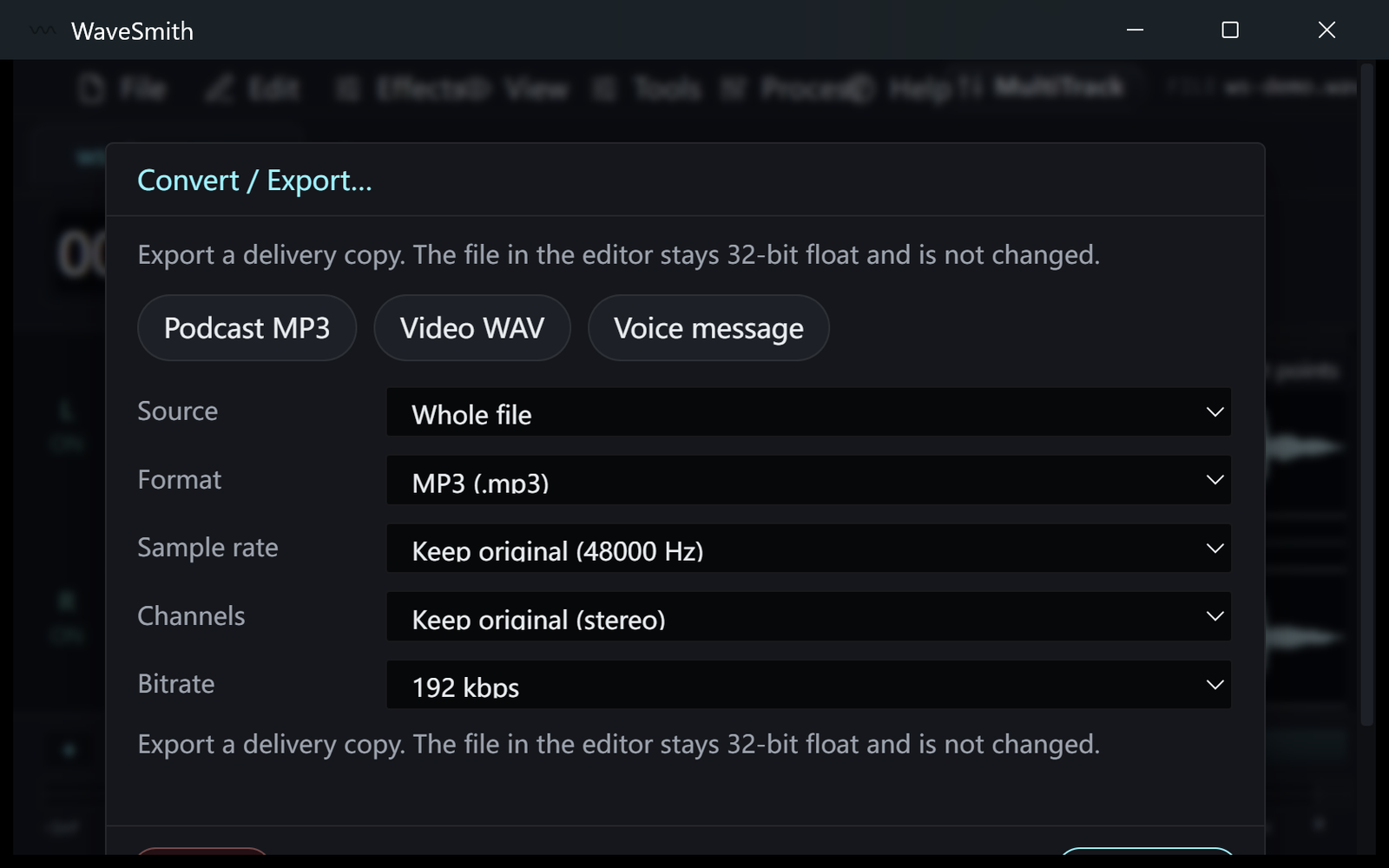
Step 1 Choose a format group, then the named target, then rate/bit choices.
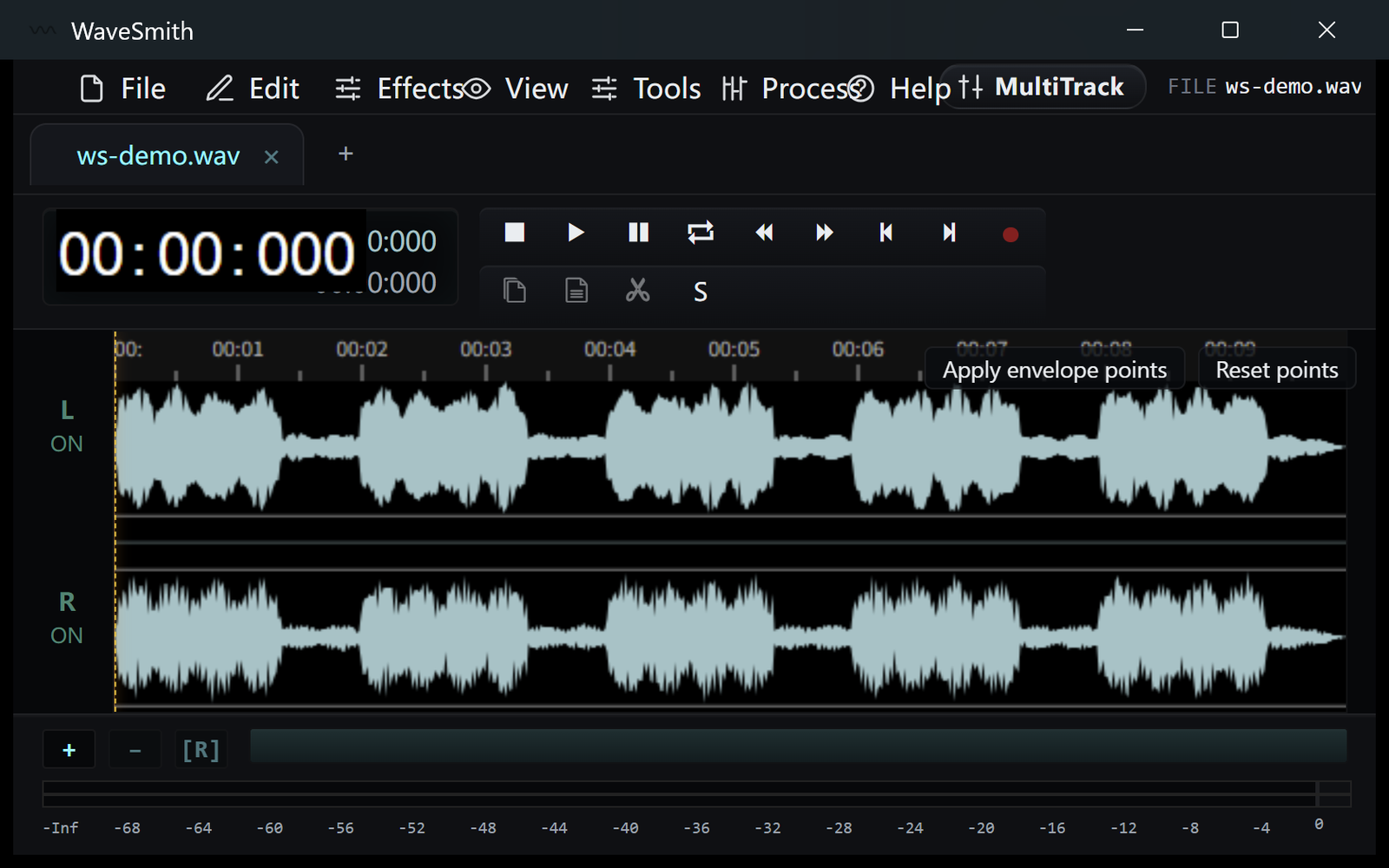
Step 2 Pick a path in the Windows dialog. The open editor document stays float.
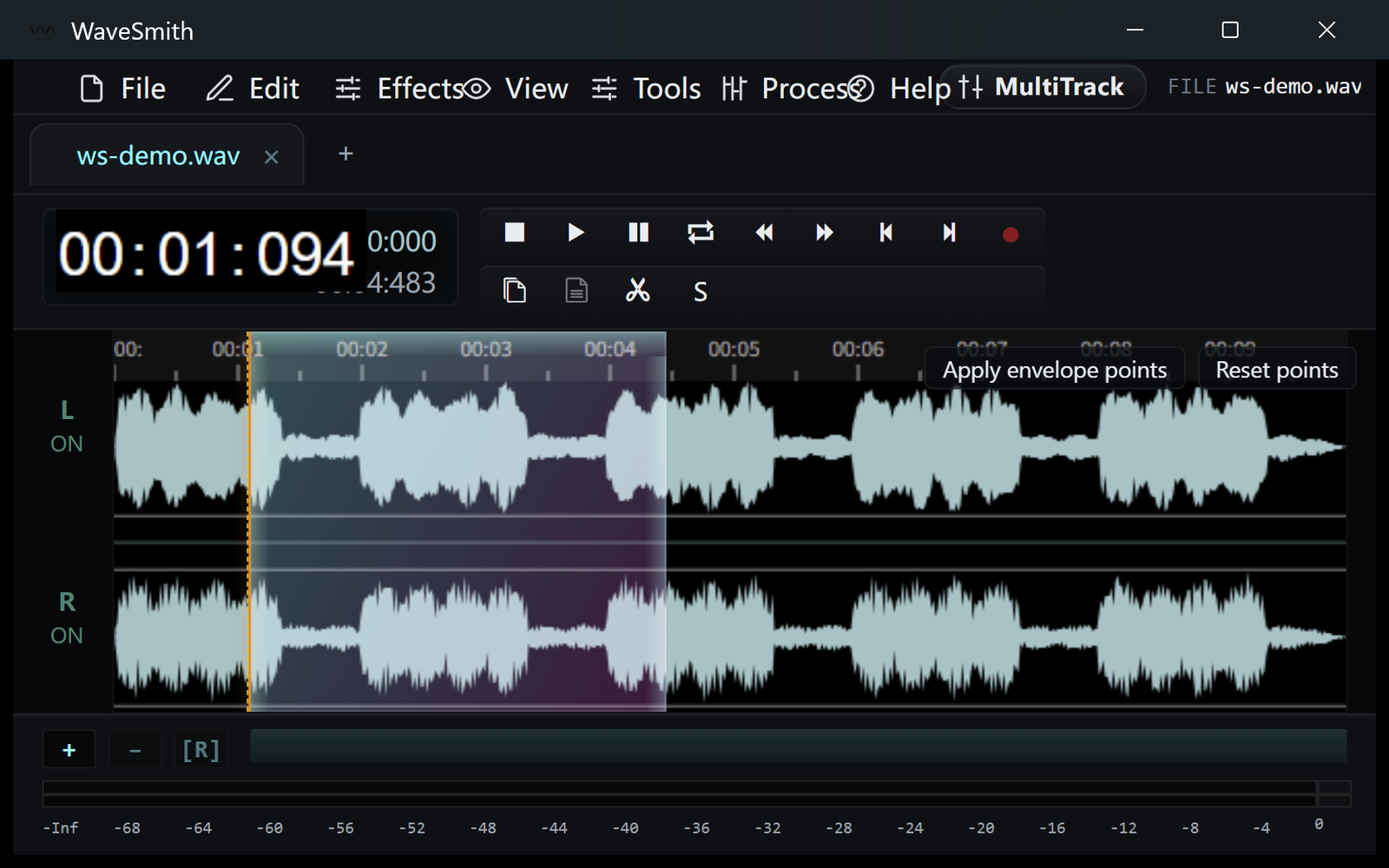
Step 3


Ready? Download the Windows installer.
Related
Install it. Open a file. Feel the difference.
Free Windows 64-bit installer. WaveSmith 1.1.0. Your audio does not go to our servers — we do not have a place to put it.
Download WaveSmith free