 WaveSmith
Home / Features / Batch audio converter
Batch audio converter

Batch Convert is for the folder of interviews, the dump from a recorder, the archive you finally want in FLAC. Same format list as Convert/Export.
The editor stays free for the one file that still needs a pair of scissors. Conversion should not steal that window.
How to do it in WaveSmith
File → Batch Convert…
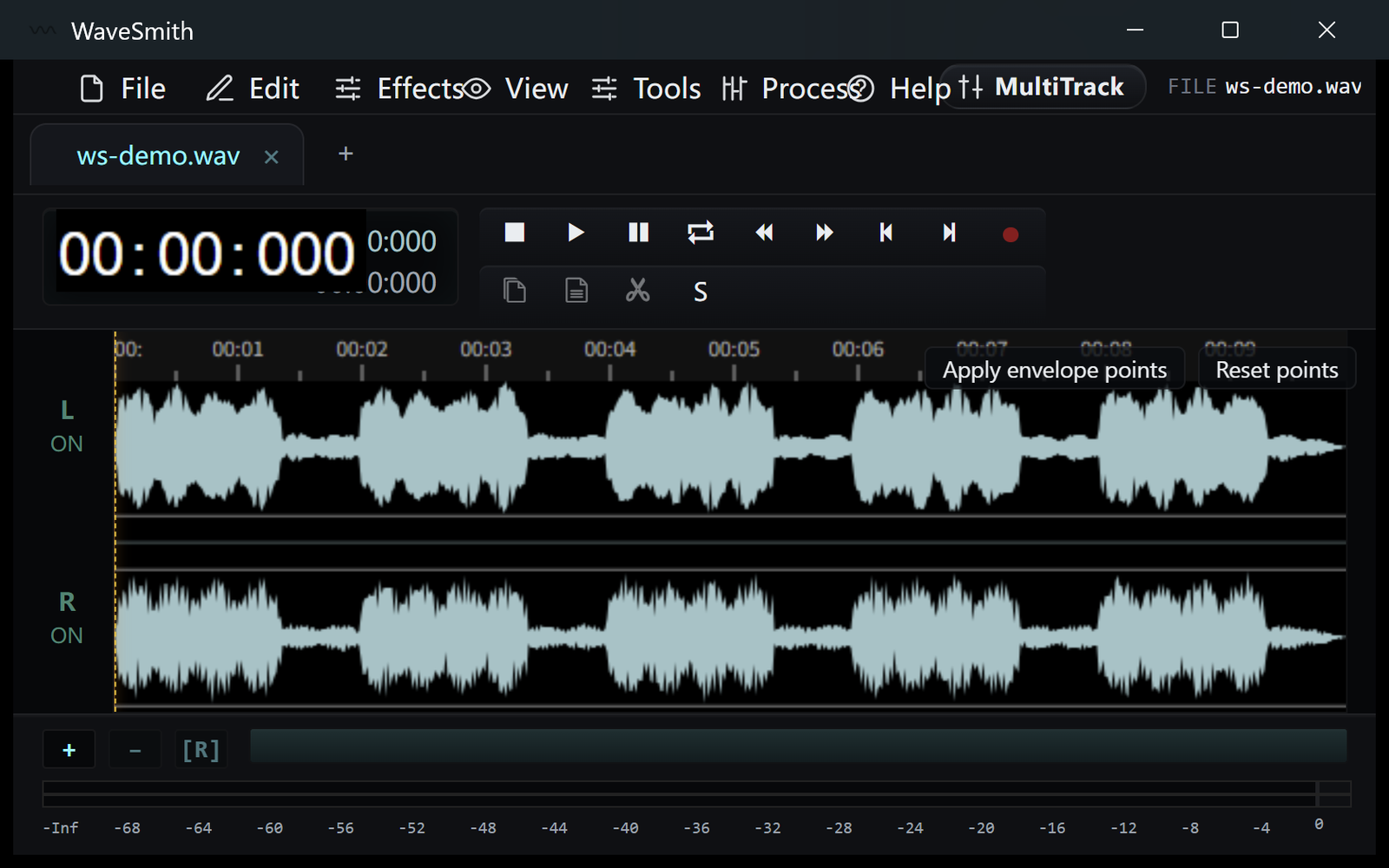
Step 1 Add files, choose the same format grid as Convert/Export.
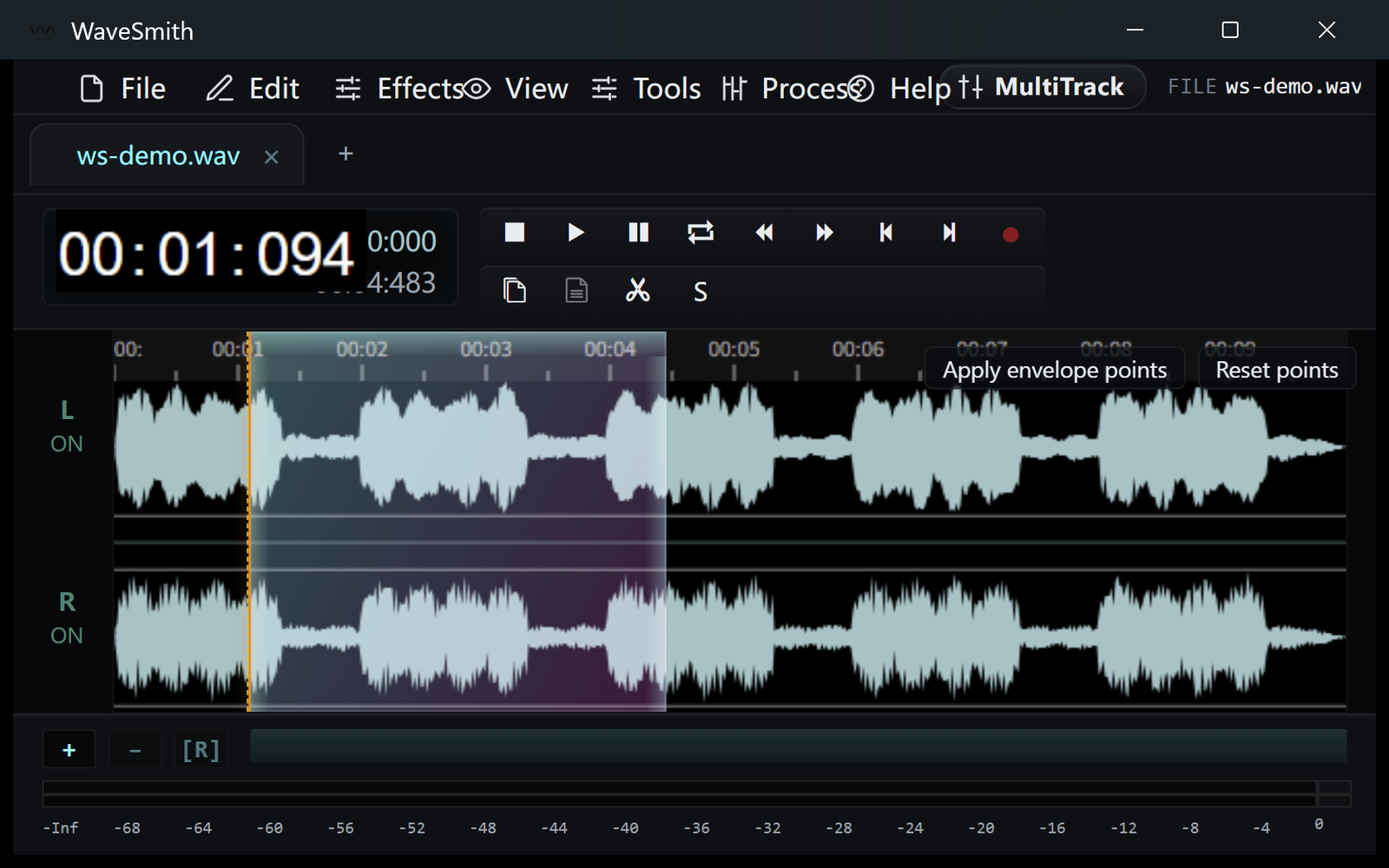
Step 2 Start the batch and keep editing the tab that is already open.
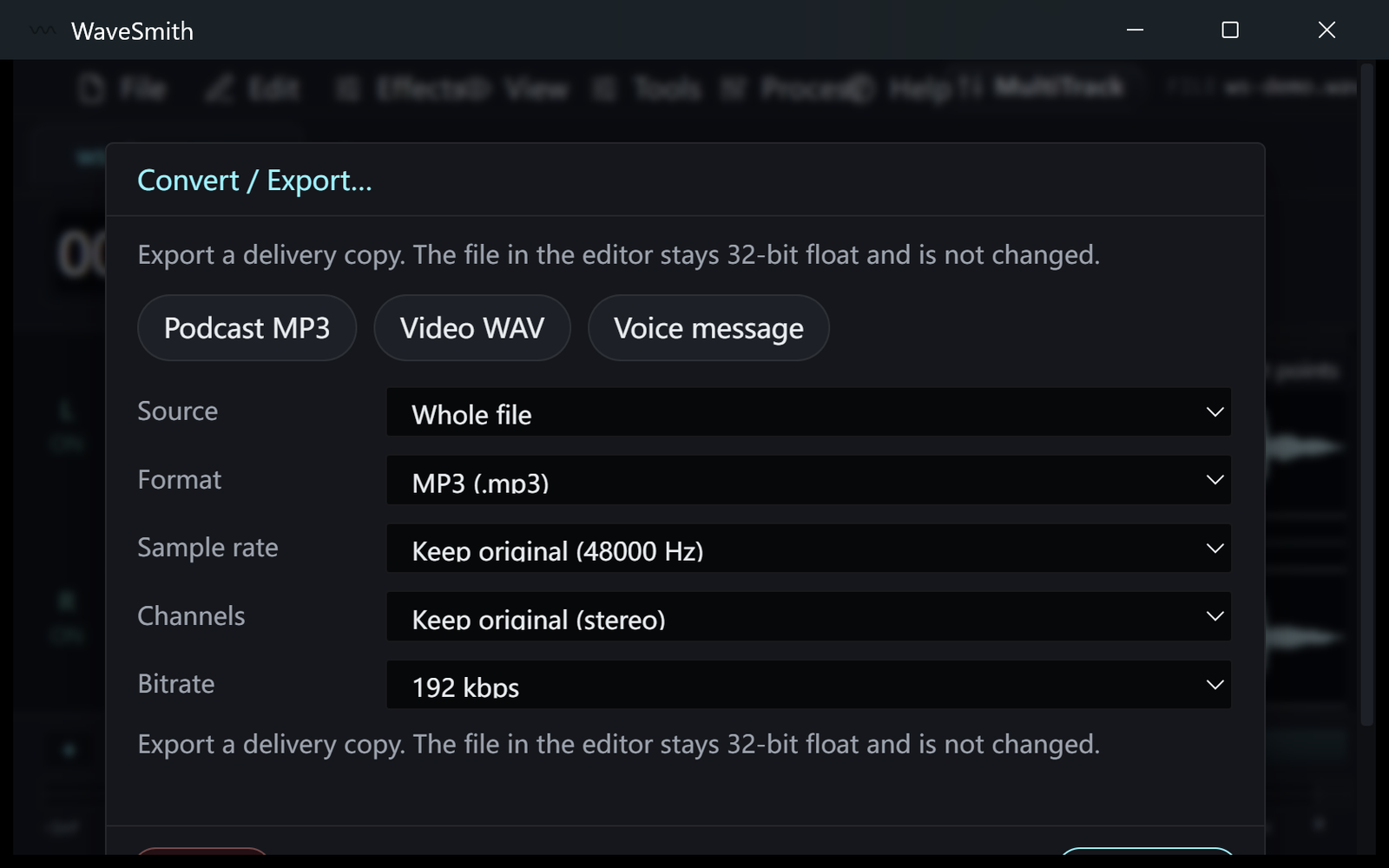
Step 3


Ready? Download the Windows installer.
Related
Install it. Open a file. Feel the difference.
Free Windows 64-bit installer. WaveSmith 1.1.0. Your audio does not go to our servers — we do not have a place to put it.
Download WaveSmith free