 WaveSmith
Home / Guides / How to normalize audio loudness
How to normalize audio loudness

Peak normalize is not loudness. WaveSmith shows LUFS while you work and offers a match control with a ceiling so the file does not true-peak into a streaming codec.
Peak normalize is not loudness
The HUD shows LUFS and peak while you work so export is not a blind flight. Process → LUFS matches a number people actually publish: often −16 podcast, −14 streaming, −23 broadcast, with a true-peak ceiling. Peak normalize still exists for the days you only need the file not to clip. Say which job you are doing.
Export a copy. Leave the float master if you still need to edit. Matching loudness twice in a row on an MP3 is how files get crunchy. If the host changed their number, re-export from the master rather than stacking limiters.
After LUFS, listen once
A match can lift the noise floor with the voice. If the room got louder than the words, gate or repair first, then match. Headphones at the loudest laugh and the quietest aside — those two moments fail more hosts than the average LUFS number.
If two episodes sit at −16 and a third sits at −22, listeners will ride the volume knob and leave. Match the third to the same number from the float master, export a new MP3, replace only that episode in the CMS. Do not “fix” it by limiting the already-encoded MP3 until it matches on a meter but sounds crushed.
Peak is not loudness; LUFS is the host number
If two episodes sit at −16 and a third sits at −22, listeners ride the volume knob and leave. Match the third to the same number from the float master, export a new MP3, replace only that episode in the CMS. Do not “fix” it by limiting the already-encoded MP3 until it matches on a meter but sounds crushed. −16 / −14 / −23 are starting points people publish, not laws. Read the host’s page.
Work on Save, not on the delivery file. Peak normalize to 0 dBFS is not the same pass as LUFS. A file can be peak-hot and still quiet on a phone. Trust the HUD while you cut, then Process → the named loudness pass, then export. How to finish a podcast episode wraps this into chapters. This URL is the number.
If the take is noisy, noise-reduce first. Loudness on a fridge is a louder fridge. If the words hide, EQ first. Order of operations is cheaper than four stacked “fixes.”
Replace one episode, not the catalog
CMS already has last week’s MP3. This week’s take is quiet. Open the float, Process the named LUFS pass to the same number the host published, export a new MP3, replace only this week. Peak-to-zero is a different button and will not fix a quiet-sounding episode that already hits 0 dBFS. Noise first if the floor is a fridge. EQ first if the words hide. Then the number. Then stop.
How to do it in WaveSmith
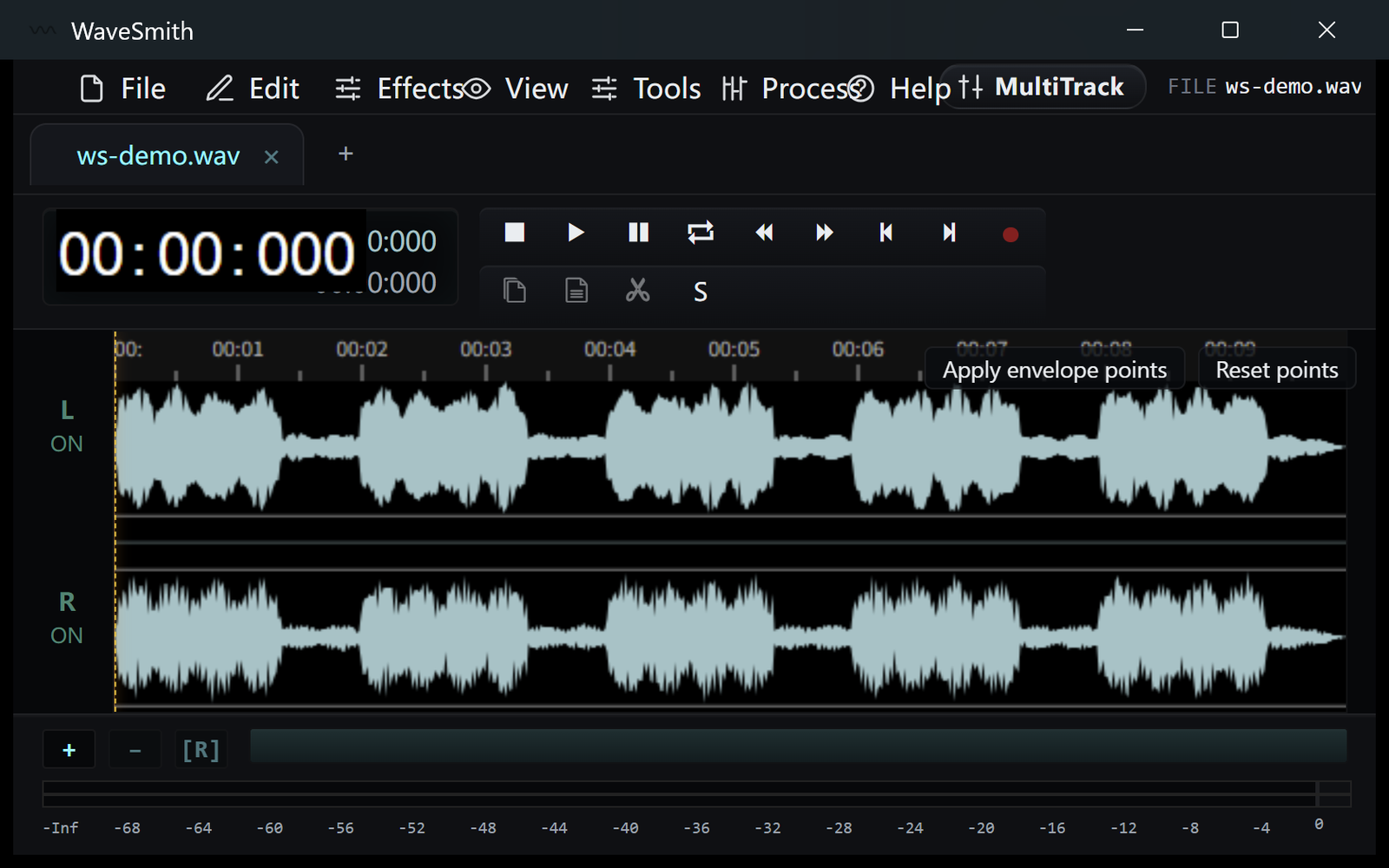
Open the file and read HUD LUFS / peak.
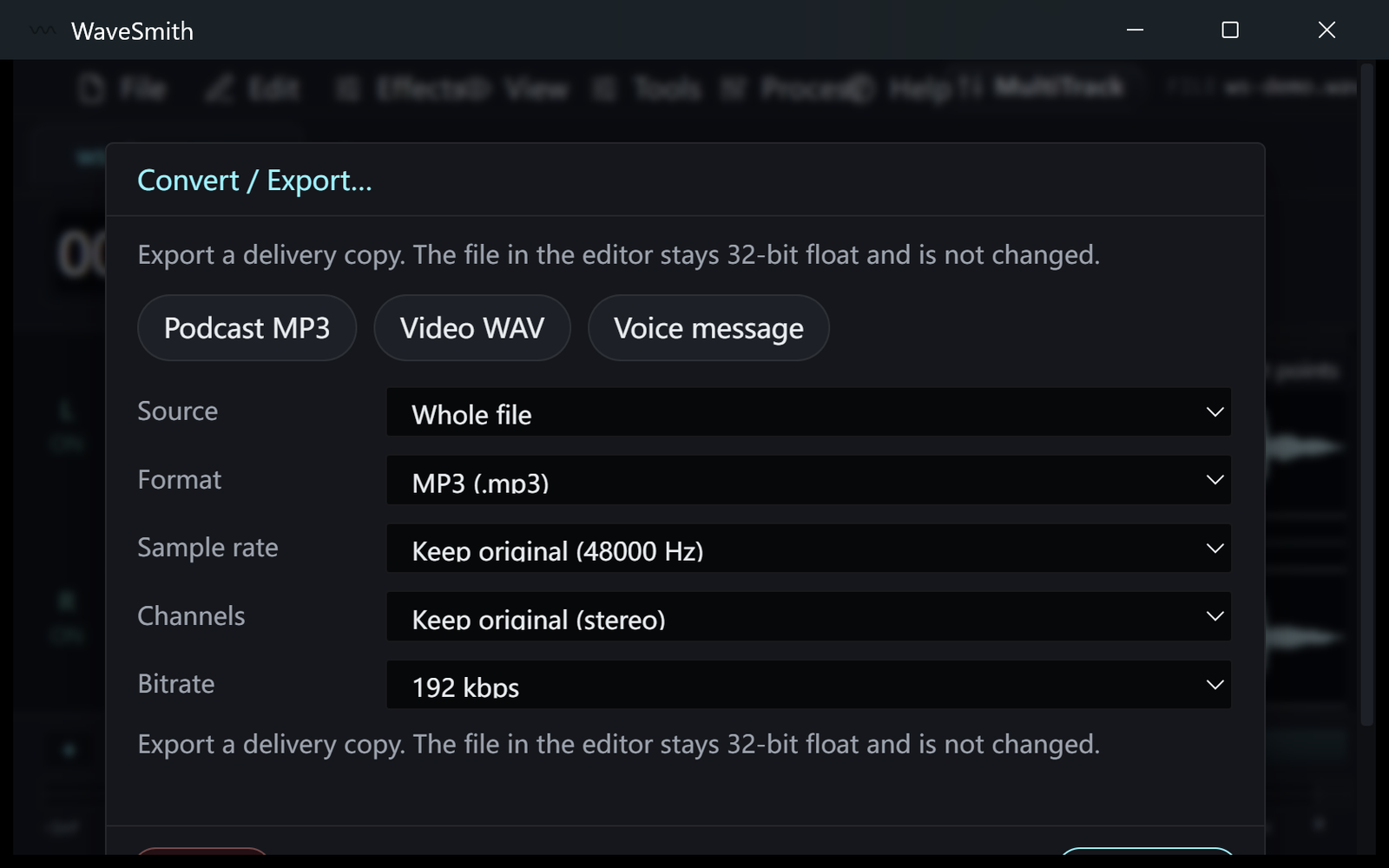
Step 1 Process → LUFS. −16 podcast, −14 streaming, −23 broadcast are starting points, not laws.
Step 2 Export a copy. Leave the float master alone if you still need to edit.
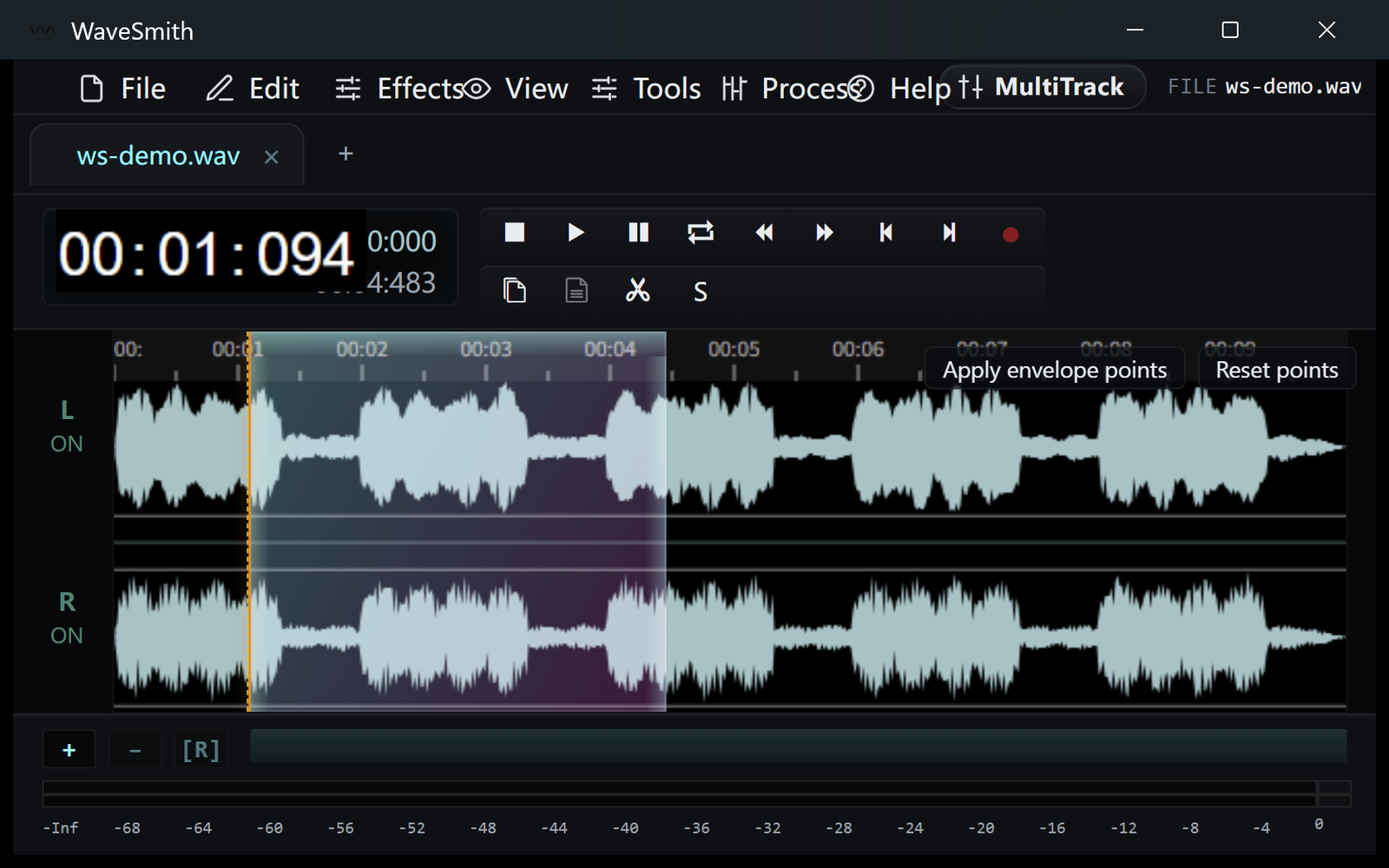
Step 3


Ready? Download the Windows installer.
Related
Install it. Open a file. Feel the difference.
Free Windows 64-bit installer. WaveSmith 1.1.0. Your audio does not go to our servers — we do not have a place to put it.
Download WaveSmith free