 WaveSmith
Home / Guides / How to split a long audio file
How to split a long audio file

A two-hour recorder dump is not one idea. Split by silence when the room gives you gaps; split by markers when you already know the chapters.
A two-hour dump is not one idea
Process → mark silence if you only need to jump. Process → Split by silence is the commit: tabs for editing, or WAV files for a CMS. Split by markers when you already know the titles. Threshold is yours — a room that never goes quiet will not invent chapters for you.
Combine with LUFS so each chapter already sits at delivery loudness, then export the format the destination wants. Do not split an MP3 into a folder of tiny MP3s if you still have the WAV — split the master, then convert each piece once.
Edit the tab that still needs a human
Silence split is a first pass. A joke that sits on a breath will land in the wrong file. Listen to the first and last second of each piece. Merge the mistake back (see How to merge MP3 files) rather than shipping a chapter that starts mid-word.
Threshold too eager and you split inside words. Too shy and you get one file again. Start conservative, listen to the first three cuts, then run again. Export WAV pieces if a CMS will transcode anyway; export MP3 pieces only when that is the final destination. Name files with a date and a chapter so next month’s you can find them.
Gaps you can hear versus chapters you already named
Threshold too eager and you split inside words. Too shy and you get one file again. Start conservative, listen to the first three cuts, then run again. Export WAV pieces if a CMS will transcode anyway; export MP3 pieces only when that is the final destination. Name files with a date and a chapter so next month’s you can find them. Keep the long original.
Markers are for when you already know the titles. Split by silence is for when the room left gaps. Do not run both blindly and hope. How to merge audio files is the opposite if you over-split. How to trim an MP3 is one region, not a folder of chapters.
Listen to the start of each piece after the split. A threshold that cuts the first consonant of every sentence is worse than one long file. Fix the threshold, run once more from the original, throw away the bad folder. Boring, correct.
Throw away a bad split folder, keep the original
The long dump is the master. A split is a copy job. If the first three pieces start mid-word, the threshold was proud — delete the folder, fix the number, run once more from the original. Markers win when you already typed chapter titles. Silence wins when the room left gaps. WAV pieces if a CMS will transcode; MP3 pieces only if that is the last stop. Date plus chapter in the filename.
How to do it in WaveSmith
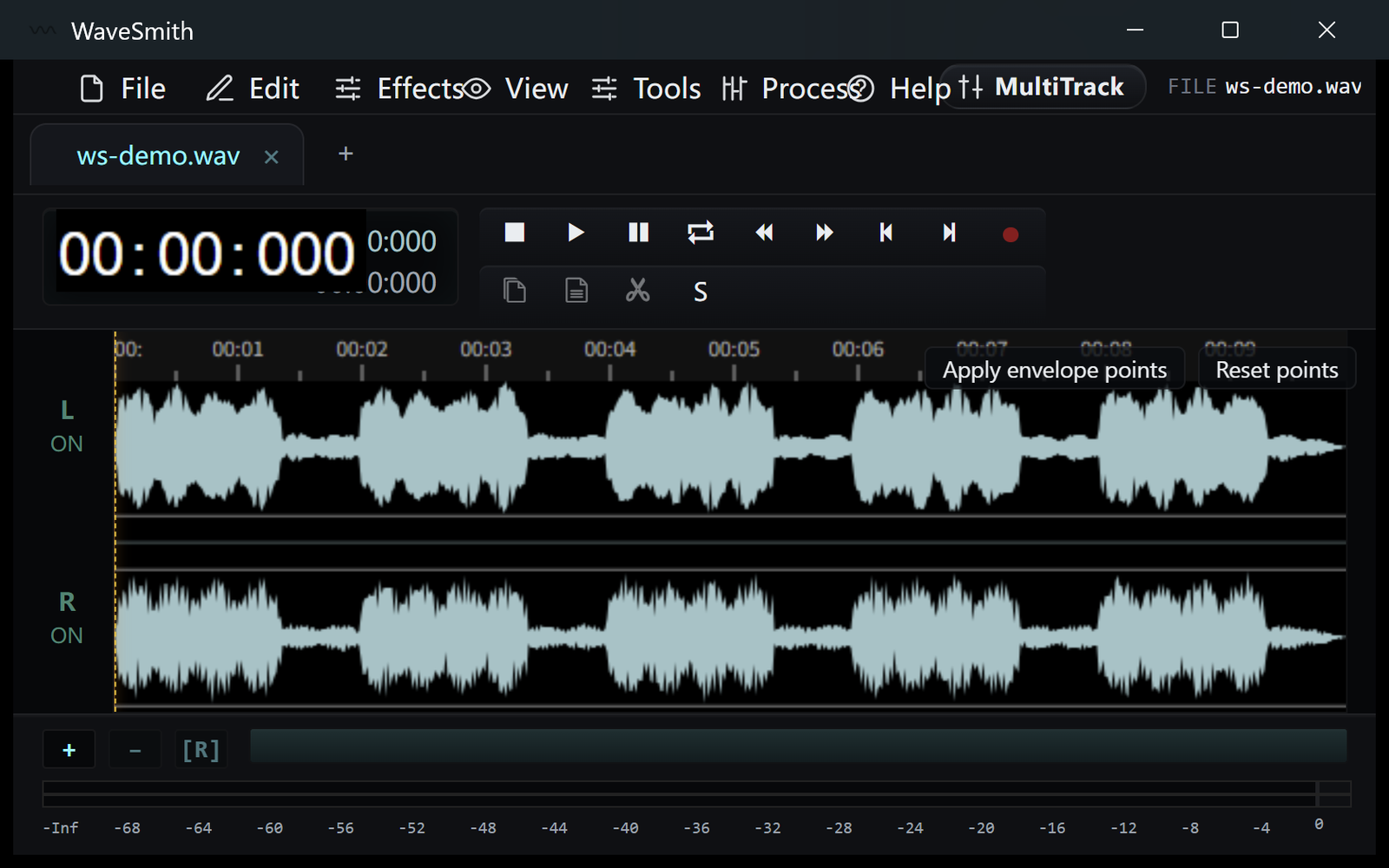
Open the long file. Add markers at titles if you have them.
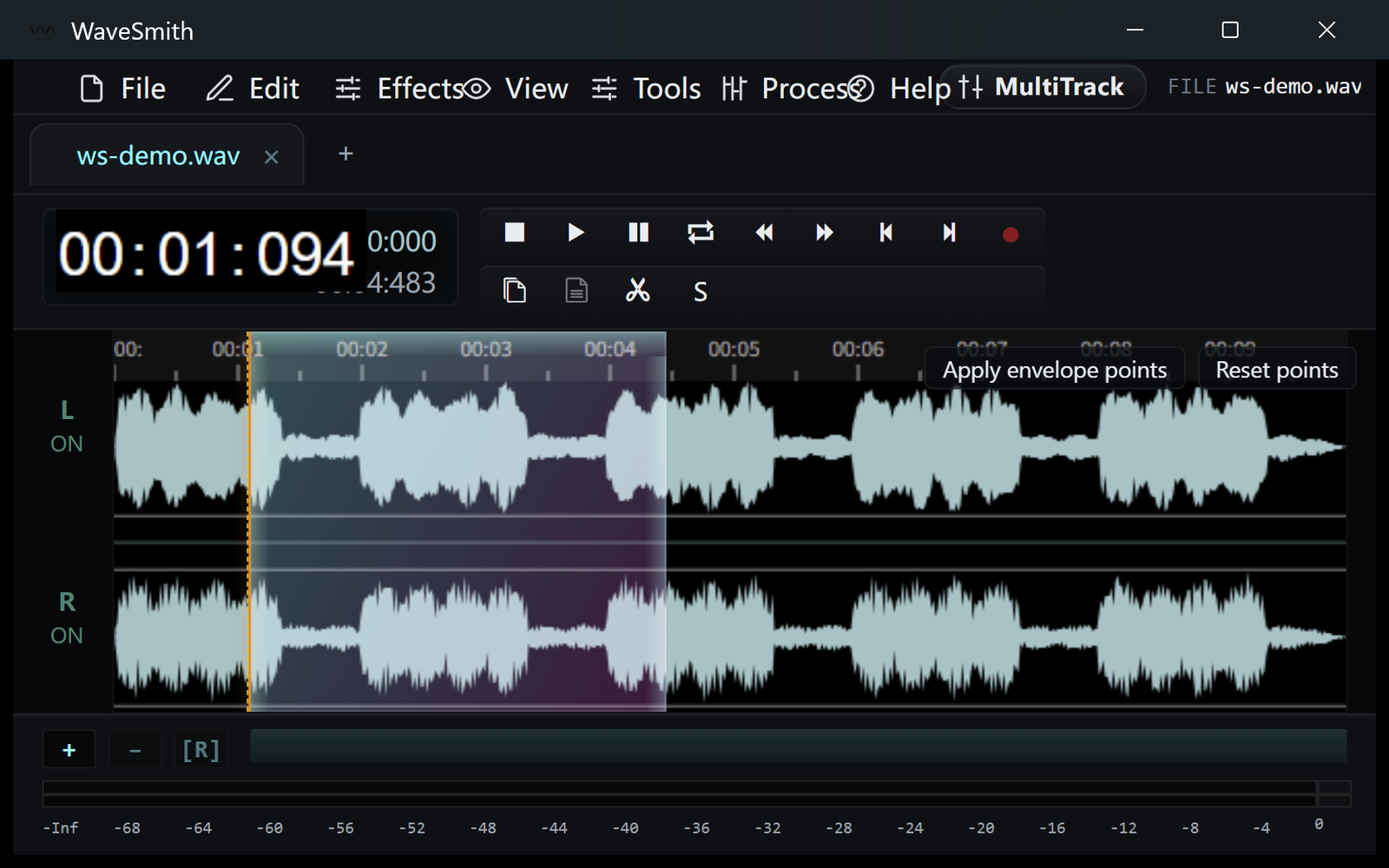
Step 1 Process → Split by silence, or slice by markers to files.
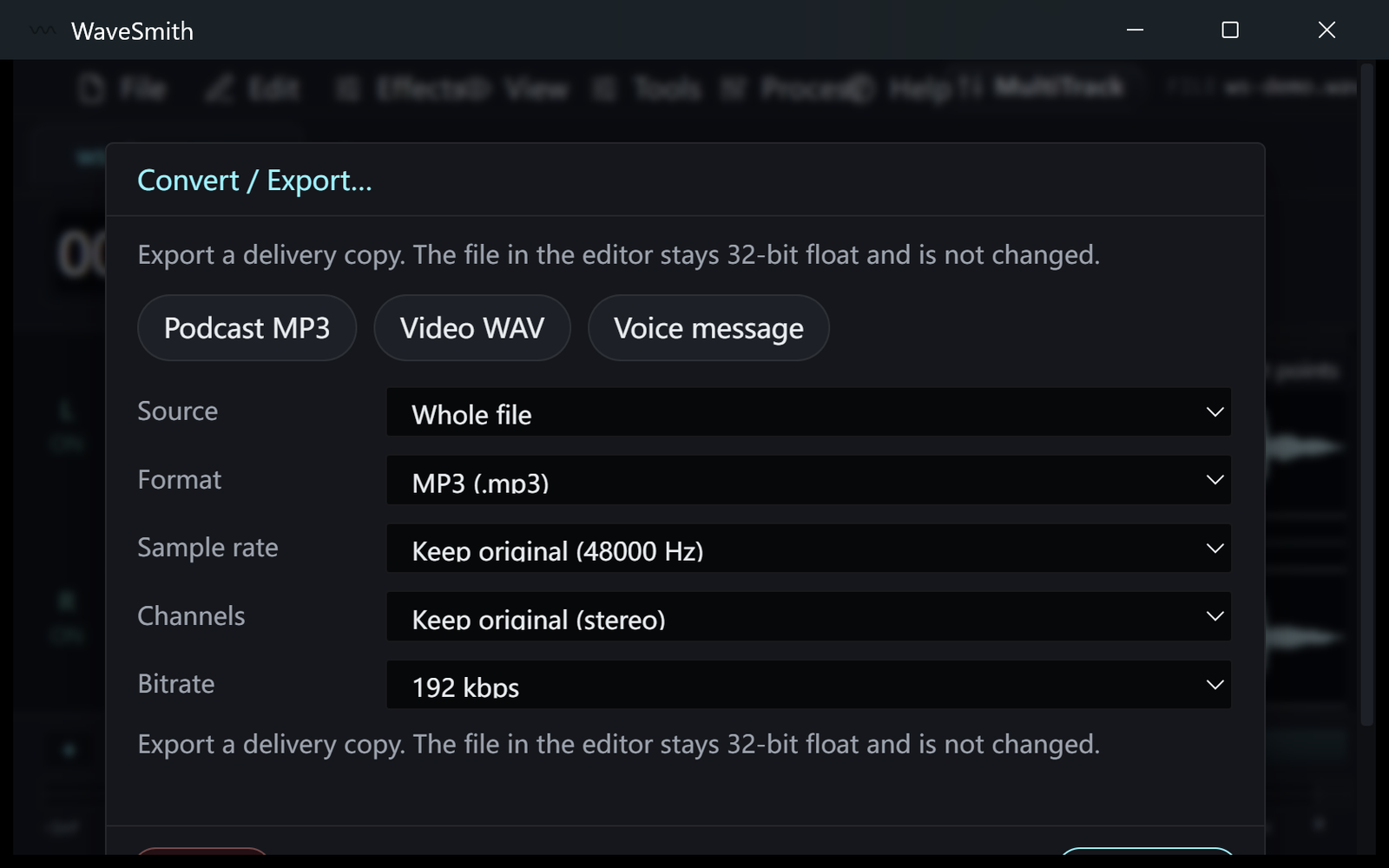
Step 2 Export each piece in the format the destination wants.
Step 3


Ready? Download the Windows installer.
Related
Install it. Open a file. Feel the difference.
Free Windows 64-bit installer. WaveSmith 1.1.0. Your audio does not go to our servers — we do not have a place to put it.
Download WaveSmith free