 WaveSmith
Home / Features / Markers, loop, zero-cross
Markers, loop, zero-cross

Markers are how a one-hour file stays navigable. Loop is how a two-bar idea becomes a decision. Zero-cross selection is how amateur cuts stop sounding amateur.
Export by markers when the CMS wants one file per chapter. Keep loop on while you audition a fade. The original AudioMass tools for beat snap and seamless loop are still here — WaveSmith did not delete the editor to add a save dialog.
How to do it in WaveSmith
Add markers at chapter starts.
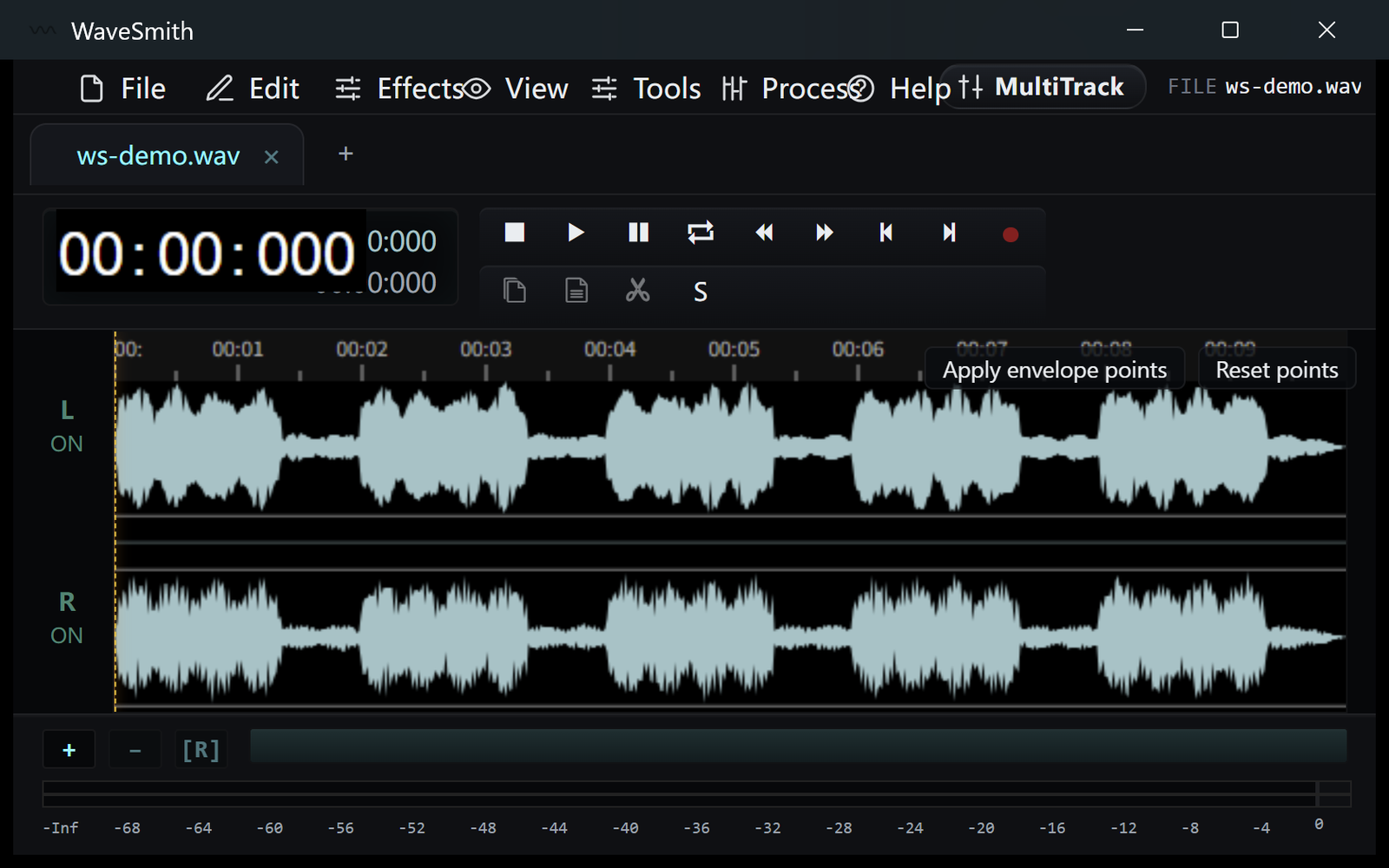
Step 1 Loop a bar while you set a fade.
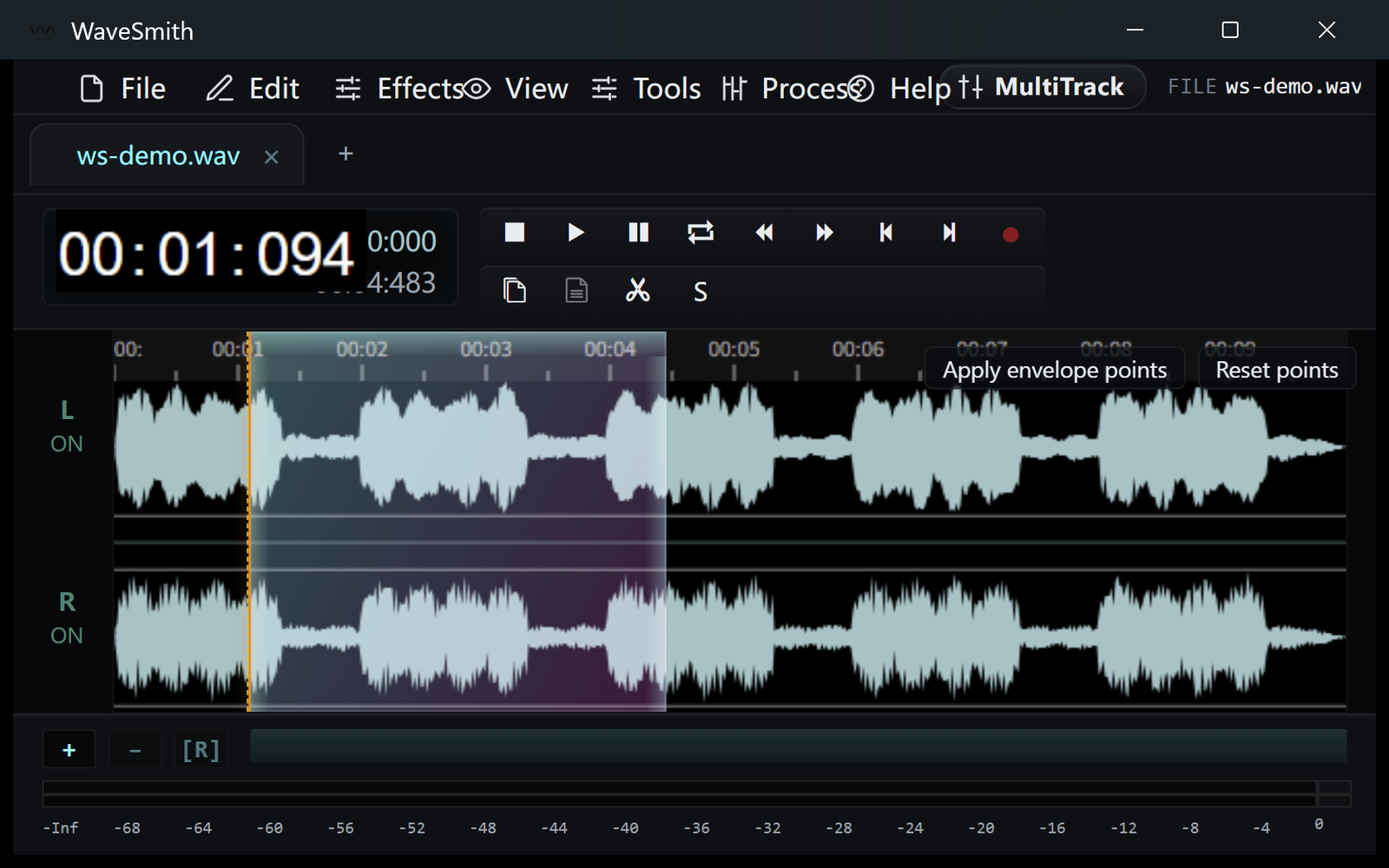
Step 2 Keep zero-cross on when cutting voice; turn it over in your mind before you cut music on a transient.
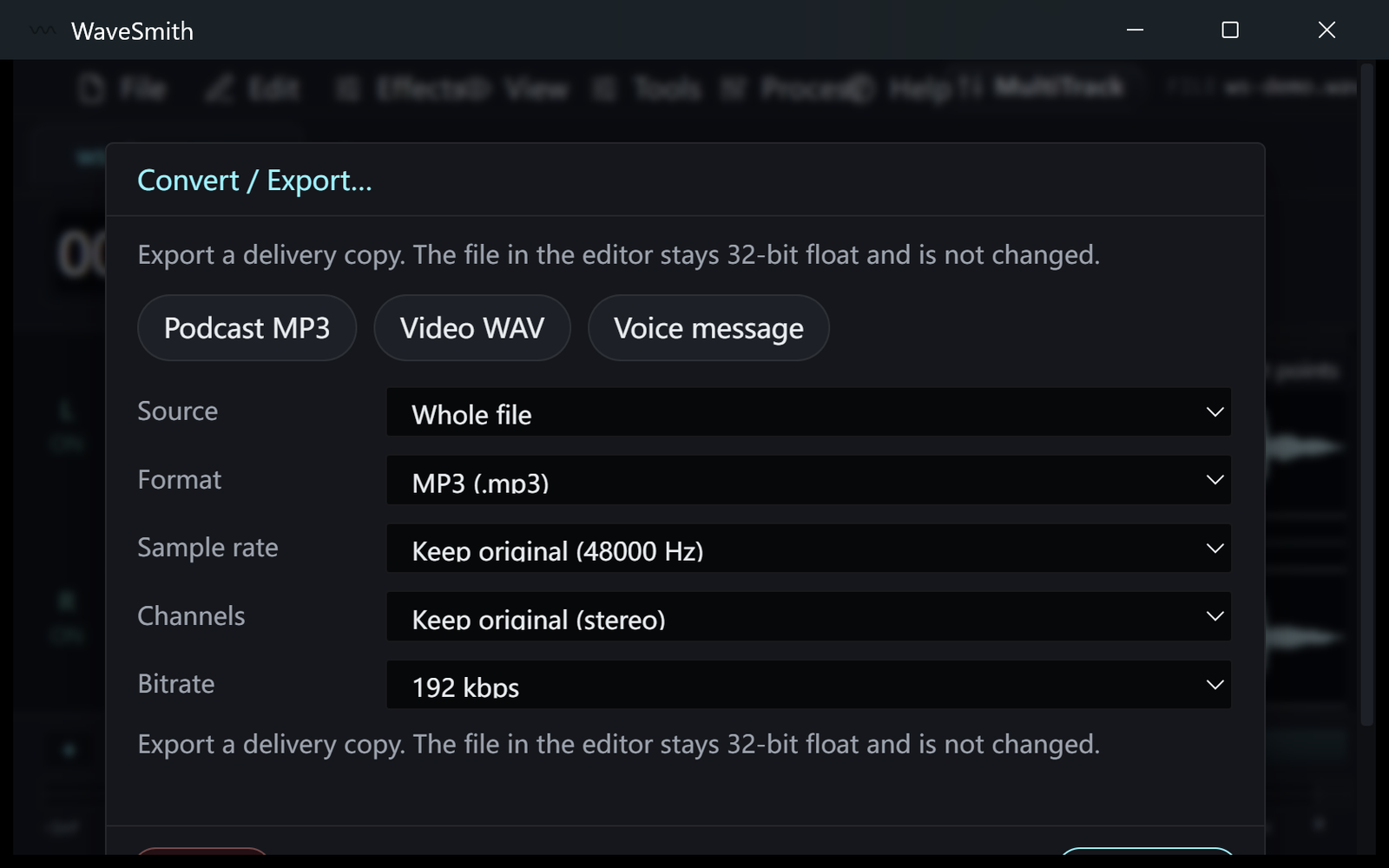
Step 3


Ready? Download the Windows installer.
Related
Install it. Open a file. Feel the difference.
Free Windows 64-bit installer. WaveSmith 1.1.0. Your audio does not go to our servers — we do not have a place to put it.
Download WaveSmith free