 WaveSmith
Home / Features / Split audio by silence
Split audio by silence

Process → Split by silence. Dump chapters into tabs for editing, or export each chunk as WAV when you need files for a CMS.
Silence markers can land first if you only need to jump. Split is the commit. Combine with LUFS so each chapter already sits at delivery loudness.
How to do it in WaveSmith
Optional: Process → mark silence and jump the gaps.
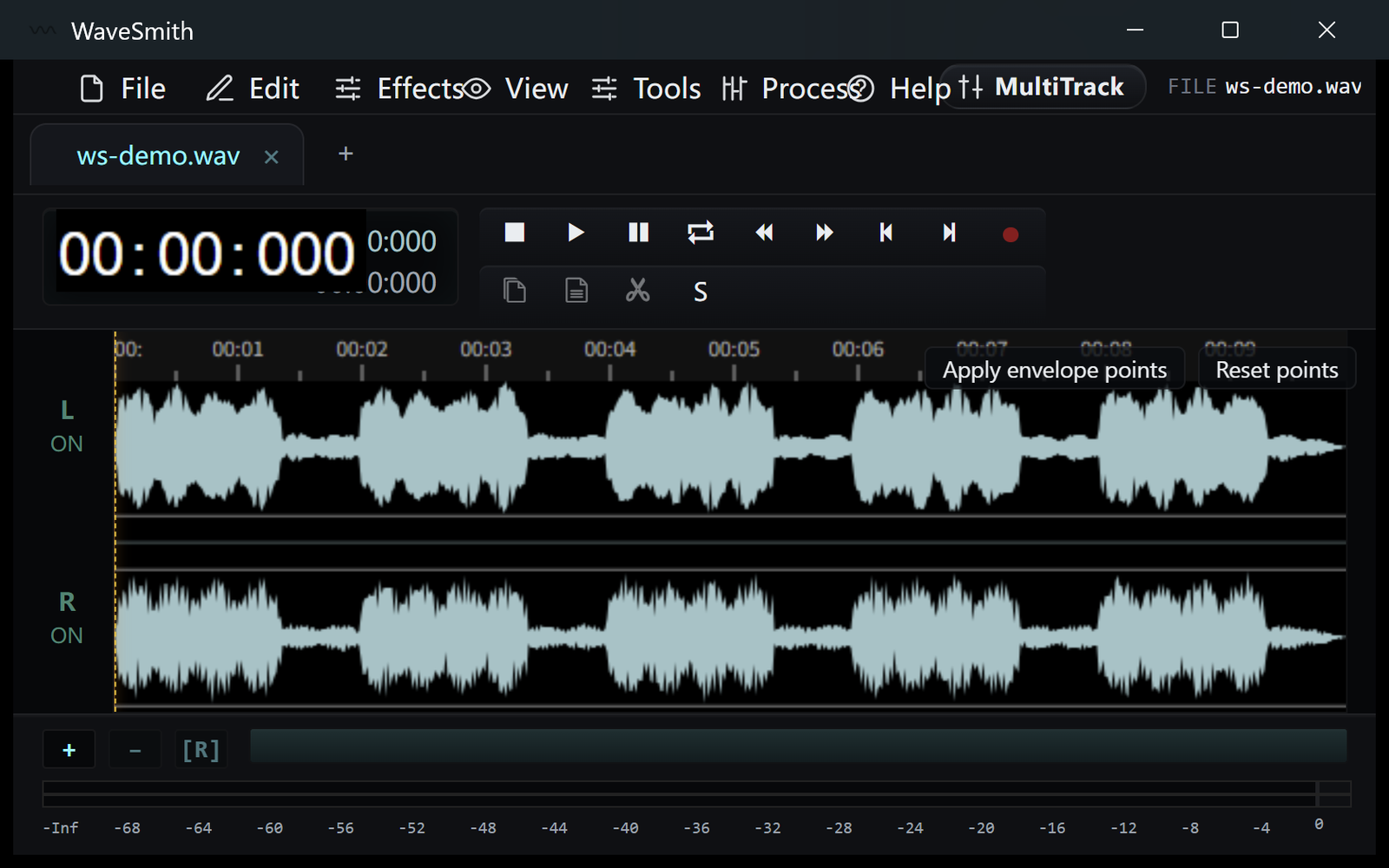
Step 1 Process → Split by silence into tabs or files.
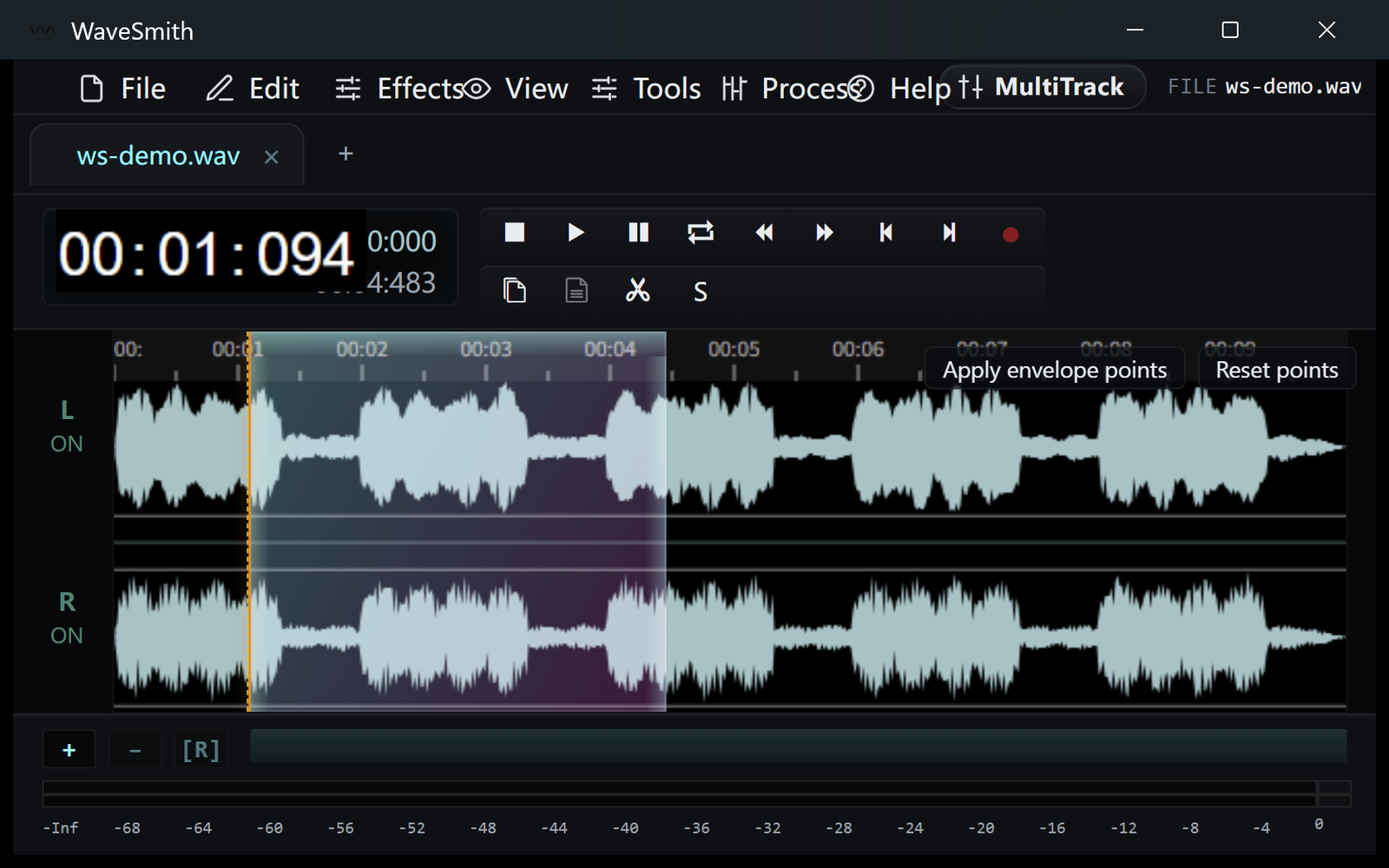
Step 2 Edit the tab that still needs a human, export the rest.
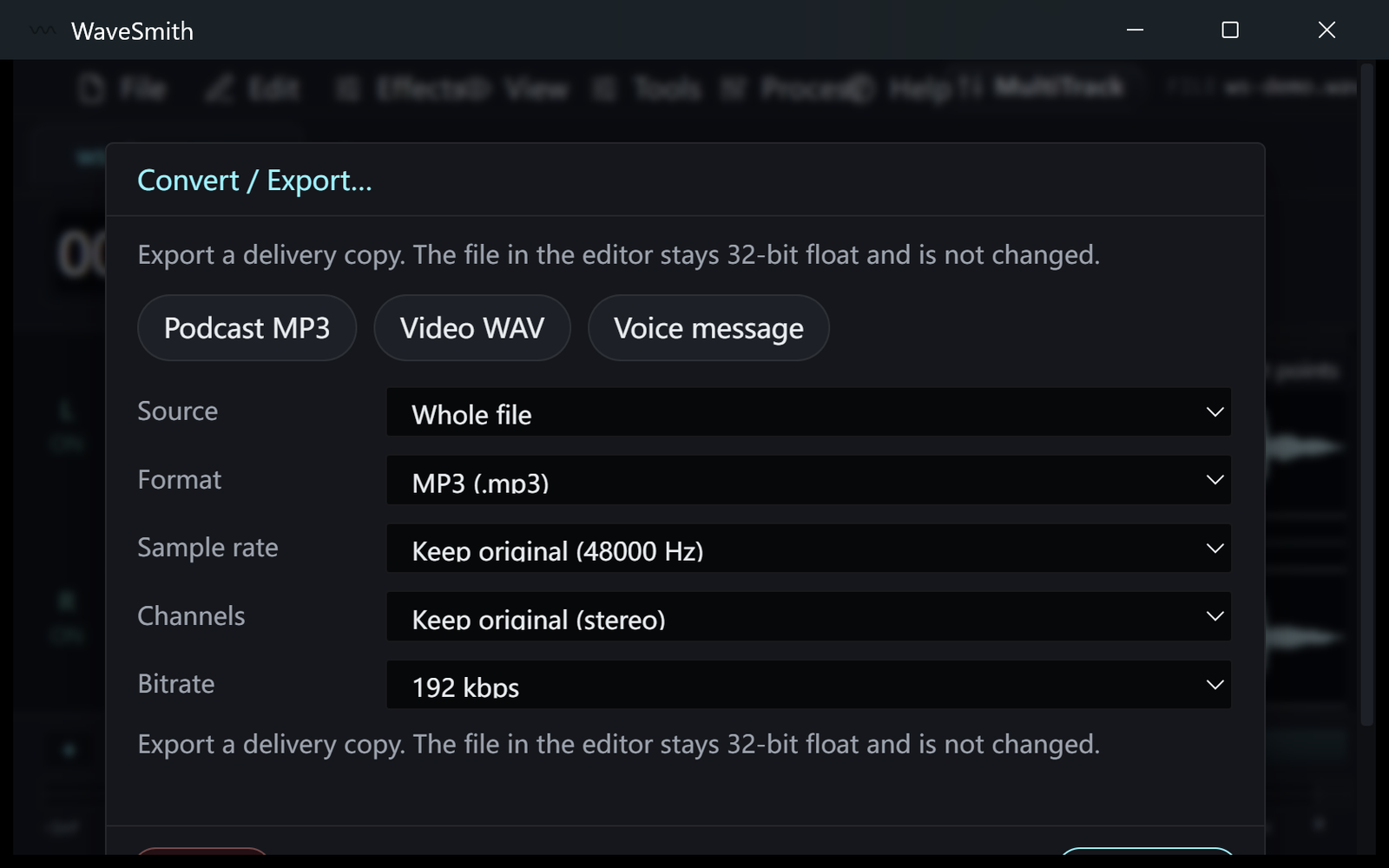
Step 3


Ready? Download the Windows installer.
Related
Install it. Open a file. Feel the difference.
Free Windows 64-bit installer. WaveSmith 1.1.0. Your audio does not go to our servers — we do not have a place to put it.
Download WaveSmith free