 WaveSmith
Home / Features / Podcast editor & LUFS
Podcast editor & LUFS

Podcast hosts reject wild levels. Process → Podcast chain and the LUFS control use numbers people actually publish to: often −16 LUFS for podcasts, −14 streaming, −23 broadcast, with a true-peak ceiling.
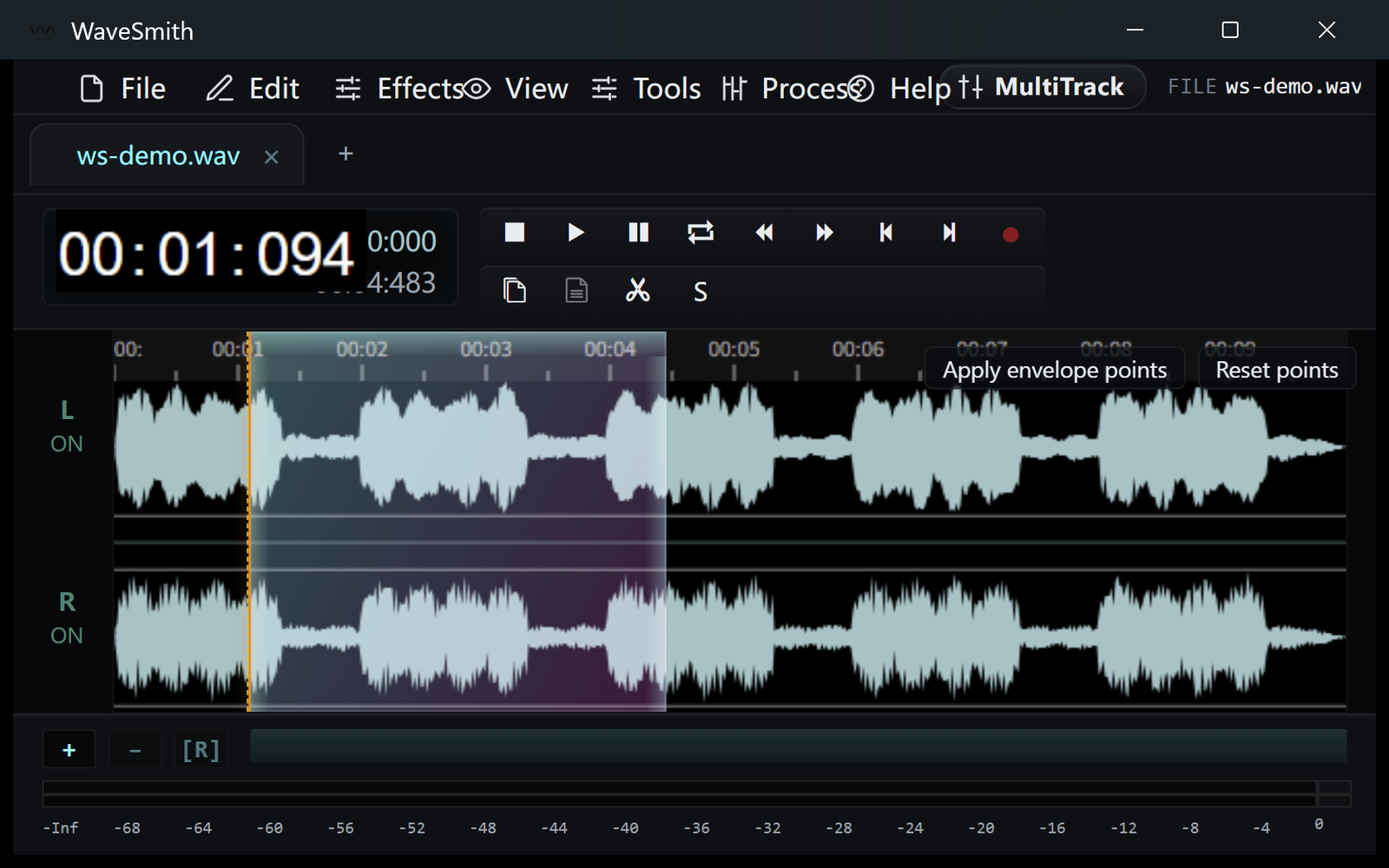
The HUD shows LUFS while you work so you are not flying blind into export. De-ess and de-breath live in Process next to the chain. Split by silence turns a long interview into tabs or WAV files.
How to do it in WaveSmith
Open or record the episode.
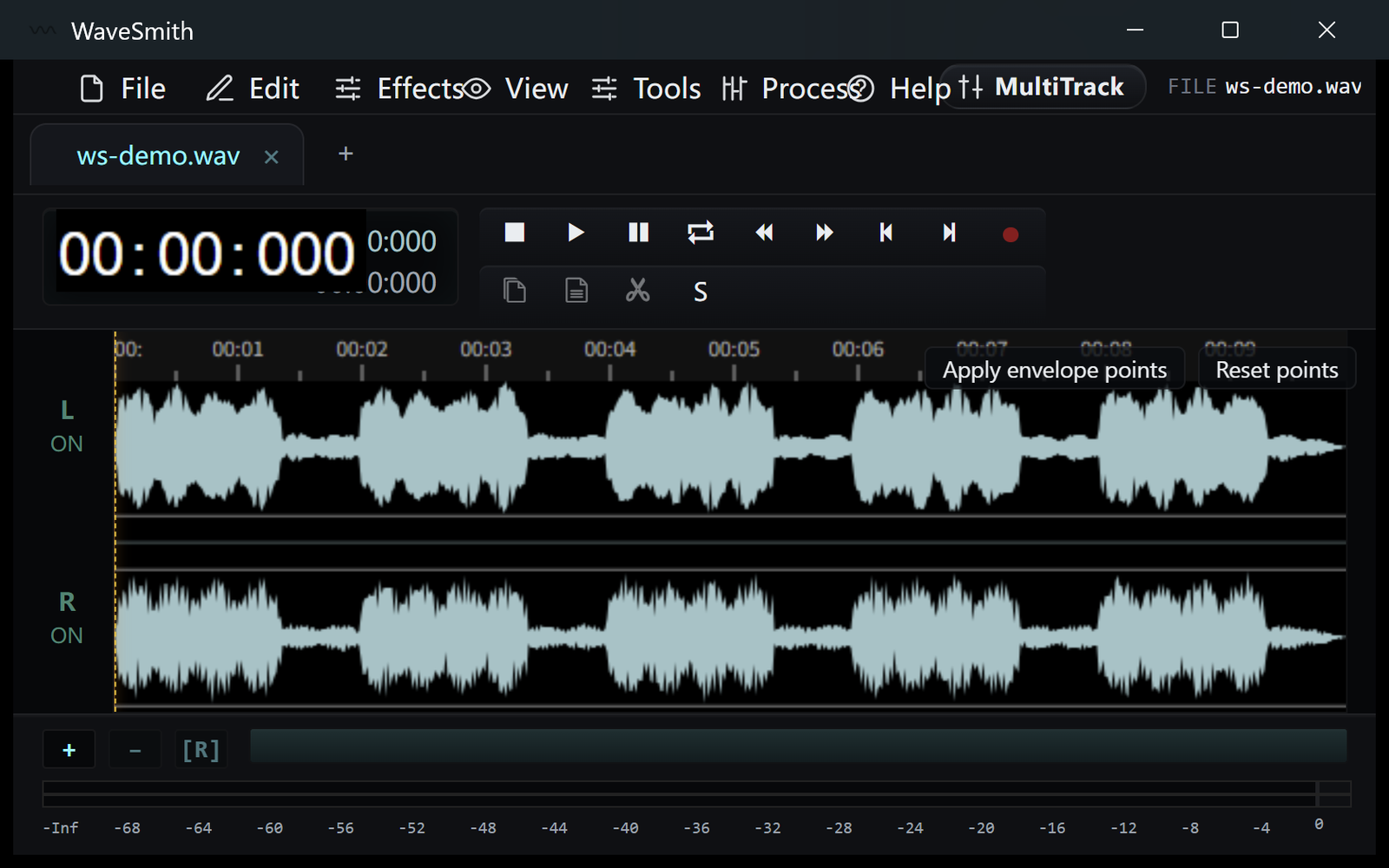
Step 1 Process → Podcast chain, then check LUFS on the HUD.
Step 2 Convert/Export a podcast MP3 copy at −16 LUFS if that is your host’s number.
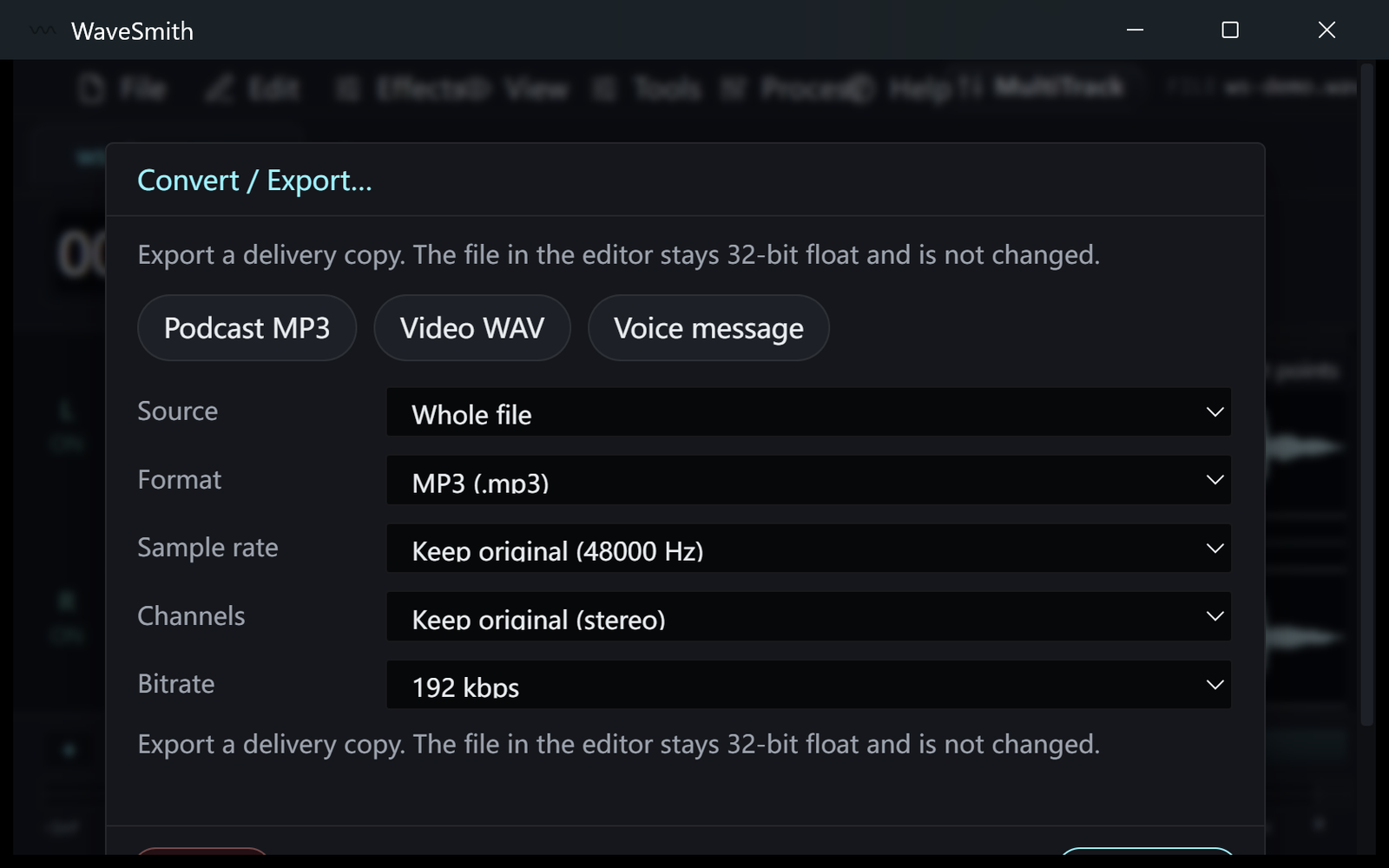
Step 3


Ready? Download the Windows installer.
Related
Install it. Open a file. Feel the difference.
Free Windows 64-bit installer. WaveSmith 1.1.0. Your audio does not go to our servers — we do not have a place to put it.
Download WaveSmith free