 WaveSmith
Home / Features / Waveform editor
Waveform editor

If you cannot see the wave, you are guessing. WaveSmith puts a high-contrast waveform, time ruler, tabs, and a live HUD (file, sample rate, LUFS, peak, RMS) in one Windows window.
Tabs keep several files in the same session. The empty state tells you to drop a file or load a sample. Markers and loop live on the same timeline so a podcast chapter and a music loop use the same muscle memory.
How to do it in WaveSmith
Open a file so the waveform paints.
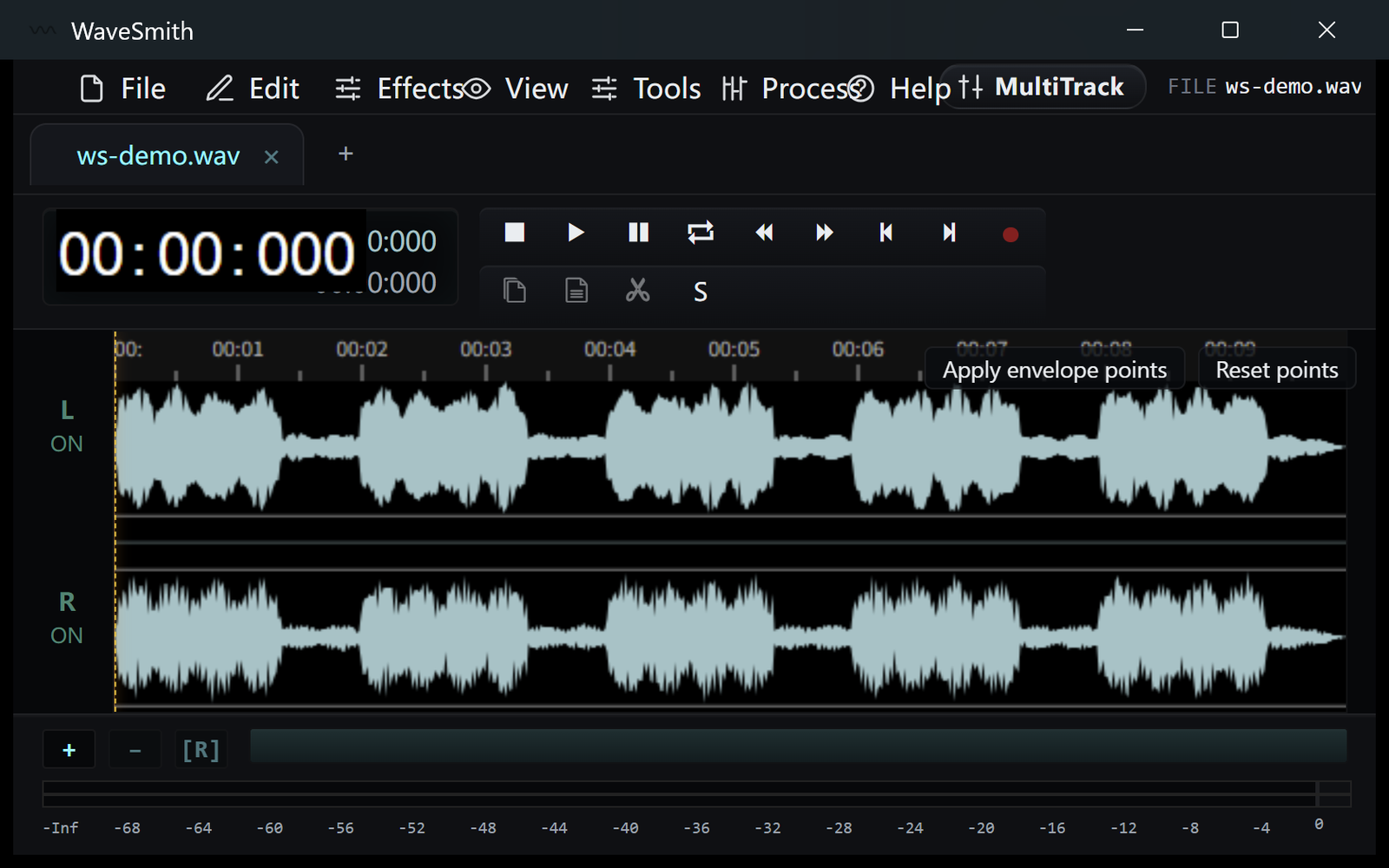
Step 1 Drag on the wave to make a selection. Zoom with the wheel or the time bar.
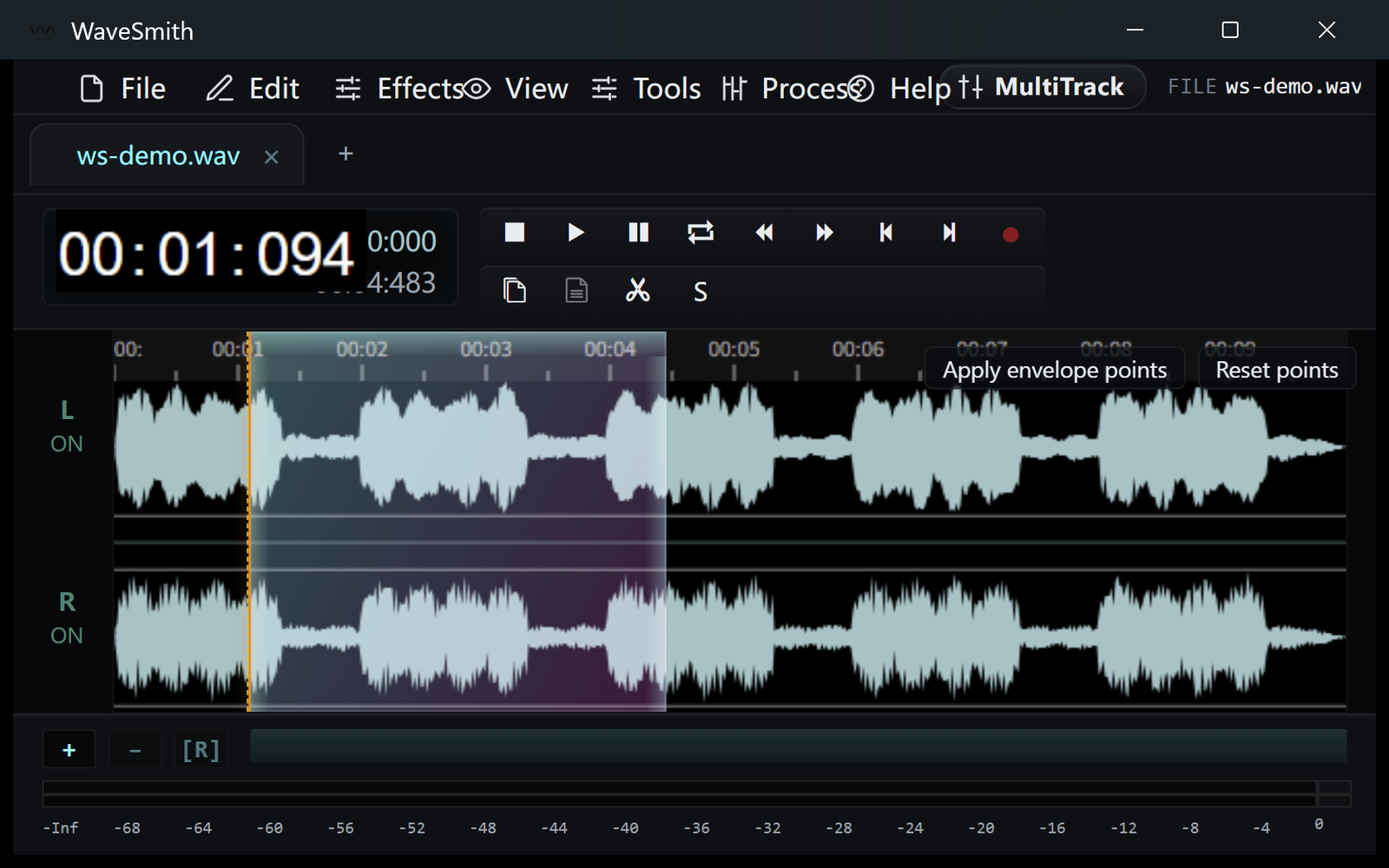
Step 2 Read the HUD: if peak is hot, fix it before you export.
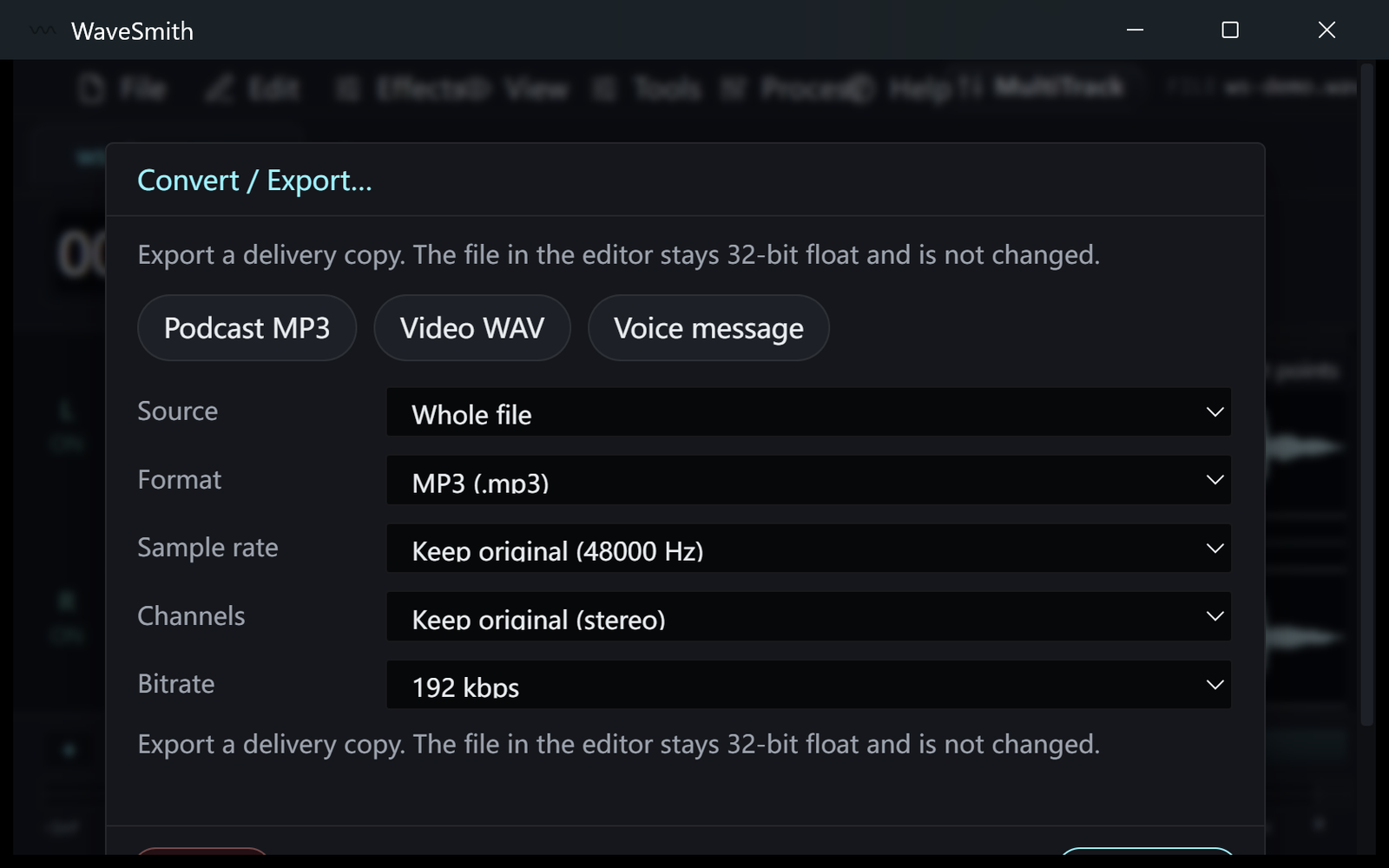
Step 3


Ready? Download the Windows installer.
Related
Install it. Open a file. Feel the difference.
Free Windows 64-bit installer. WaveSmith 1.1.0. Your audio does not go to our servers — we do not have a place to put it.
Download WaveSmith free