 WaveSmith
Home / Features / Cut, copy, paste, and crossfade
Cut, copy, paste, and crossfade

Trim is not a filter. It is Cut with a selection. WaveSmith keeps Cut, Copy, Paste, and Delete on the Edit menu, the toolbar, shortcuts, and the right-click menu.
Paste can crossfade so joins do not click. Insert File drops another clip at the playhead. Export Selection writes only the region you marked — the fastest way to make a quote, a ringtone-length clip, or a chapter.
This feature page is every command: Edit, toolbar, right-click, shortcuts, crossfade, Export Selection. The day-one cutter afternoon is How to cut an MP3 on Windows. Stay here when you want the map; stay there when you want the trim.
How to do it in WaveSmith
Click-drag a region on the waveform.
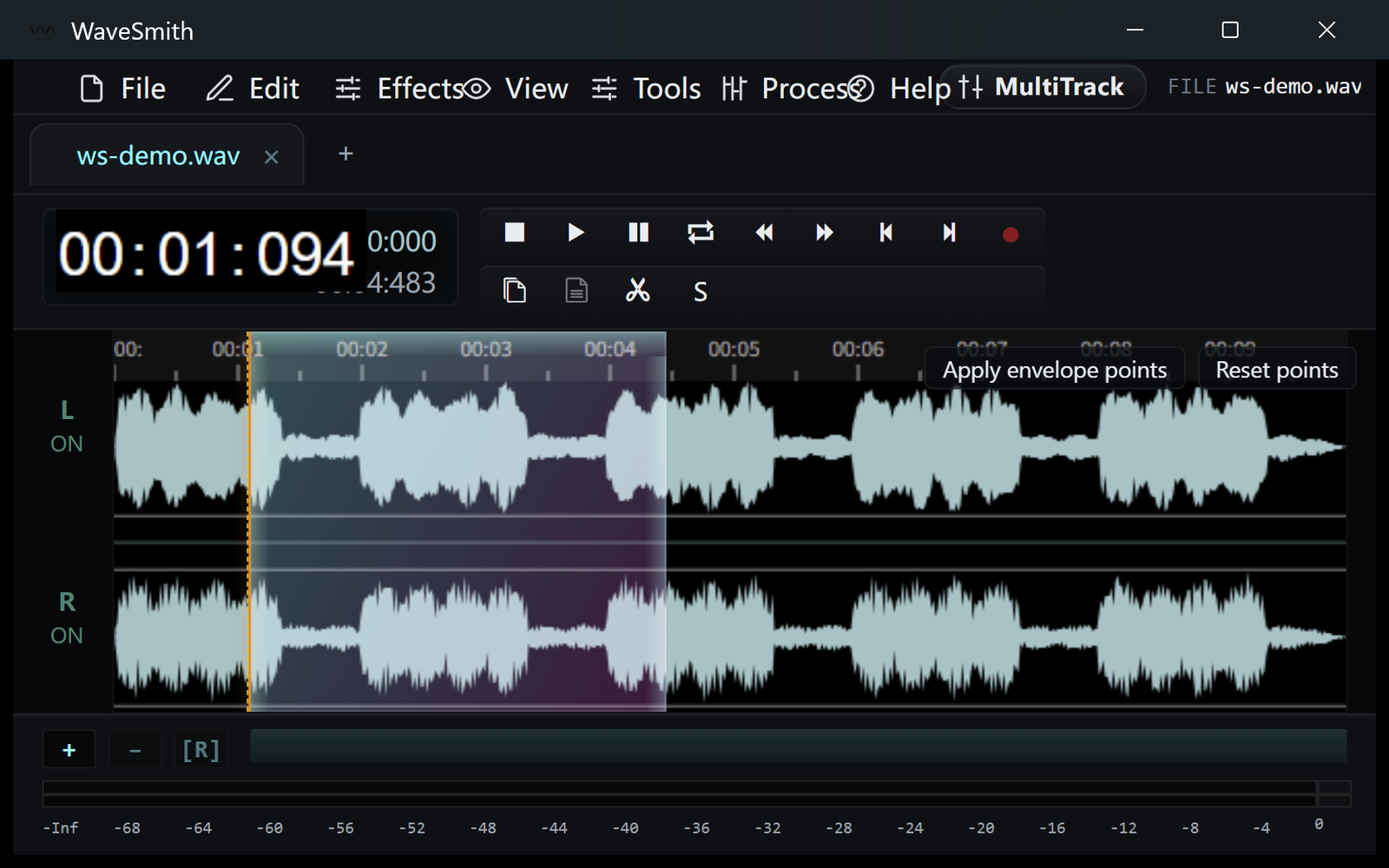
Step 1 Cut (or Copy). The remaining file closes the gap.
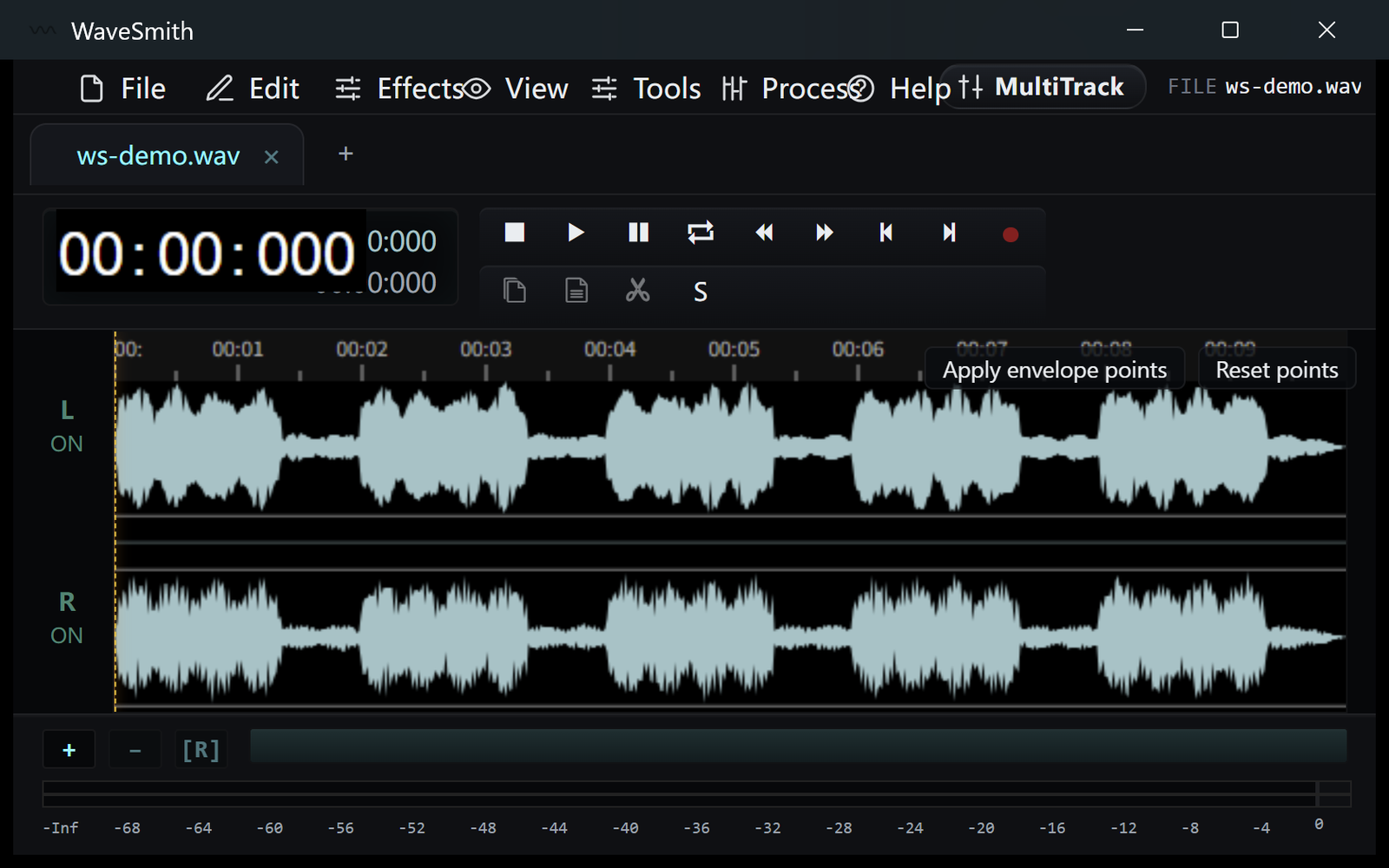
Step 2 Save the master, or File → Export Selection for just that slice.
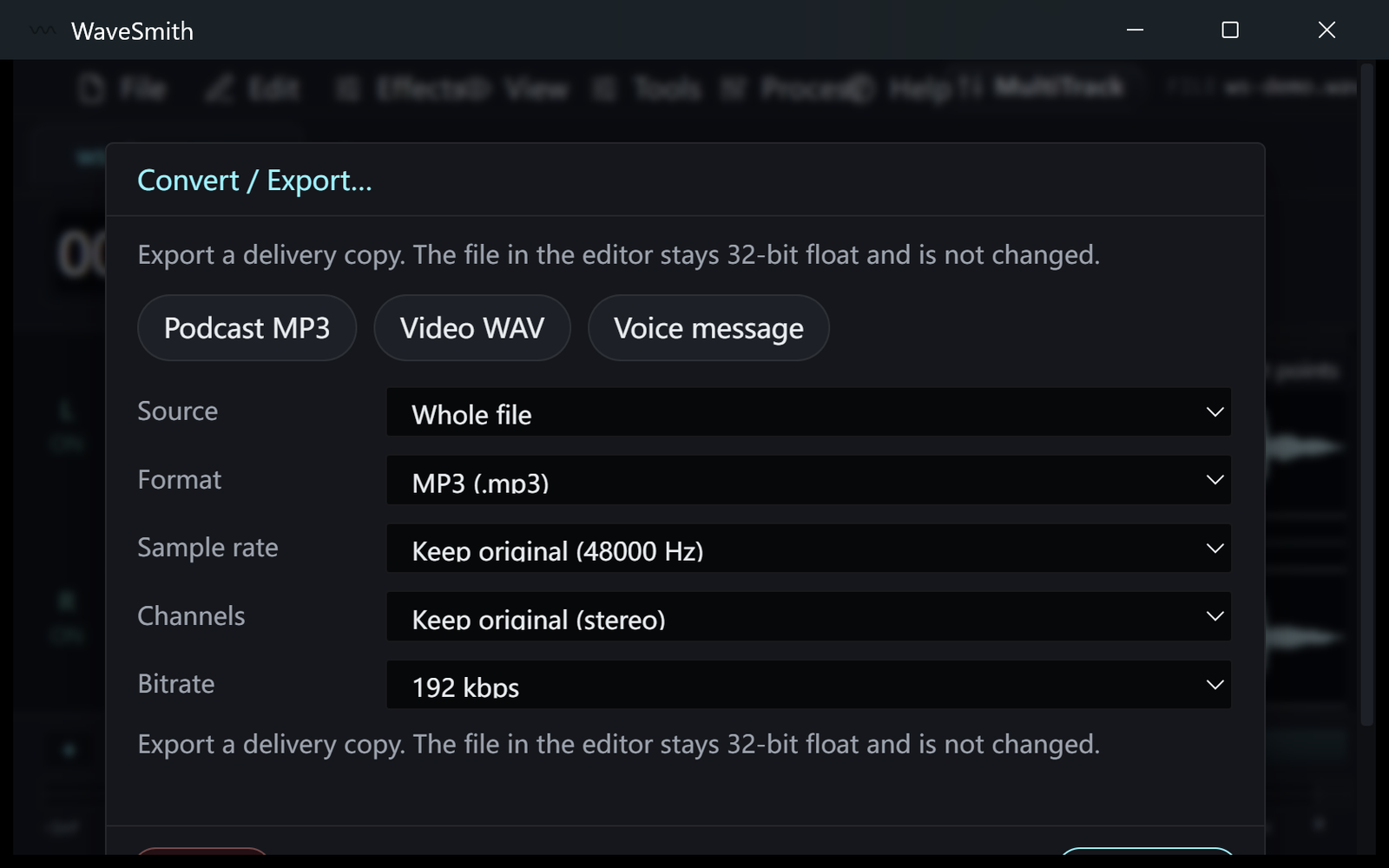
Step 3


Ready? Download the Windows installer.
Related
Install it. Open a file. Feel the difference.
Free Windows 64-bit installer. WaveSmith 1.1.0. Your audio does not go to our servers — we do not have a place to put it.
Download WaveSmith free