 WaveSmith
Home / Features / Audio effects: EQ, compressor, fade, pitch
Audio effects: EQ, compressor, fade, pitch

Effects stay on the Effect menu. WaveSmith did not hide them to look “simple”. Simple is File, Tools, Process sitting next to Effect — not deleting the compressor.
Normalize and limiter still exist for the days LUFS is more than you need. Pitch and speed still exist for the joke take and the too-slow lecture. Envelope handles on the selection give clip-gain without opening a modal.
This feature page inventories Effects: EQ, compressor, fade, pitch, delay, reverb. Repair and LUFS live under Process. The how-to for shaping a healthy take is How to add audio effects. The stain is How to remove background noise.
How to do it in WaveSmith
Select the region (or none for the whole file).
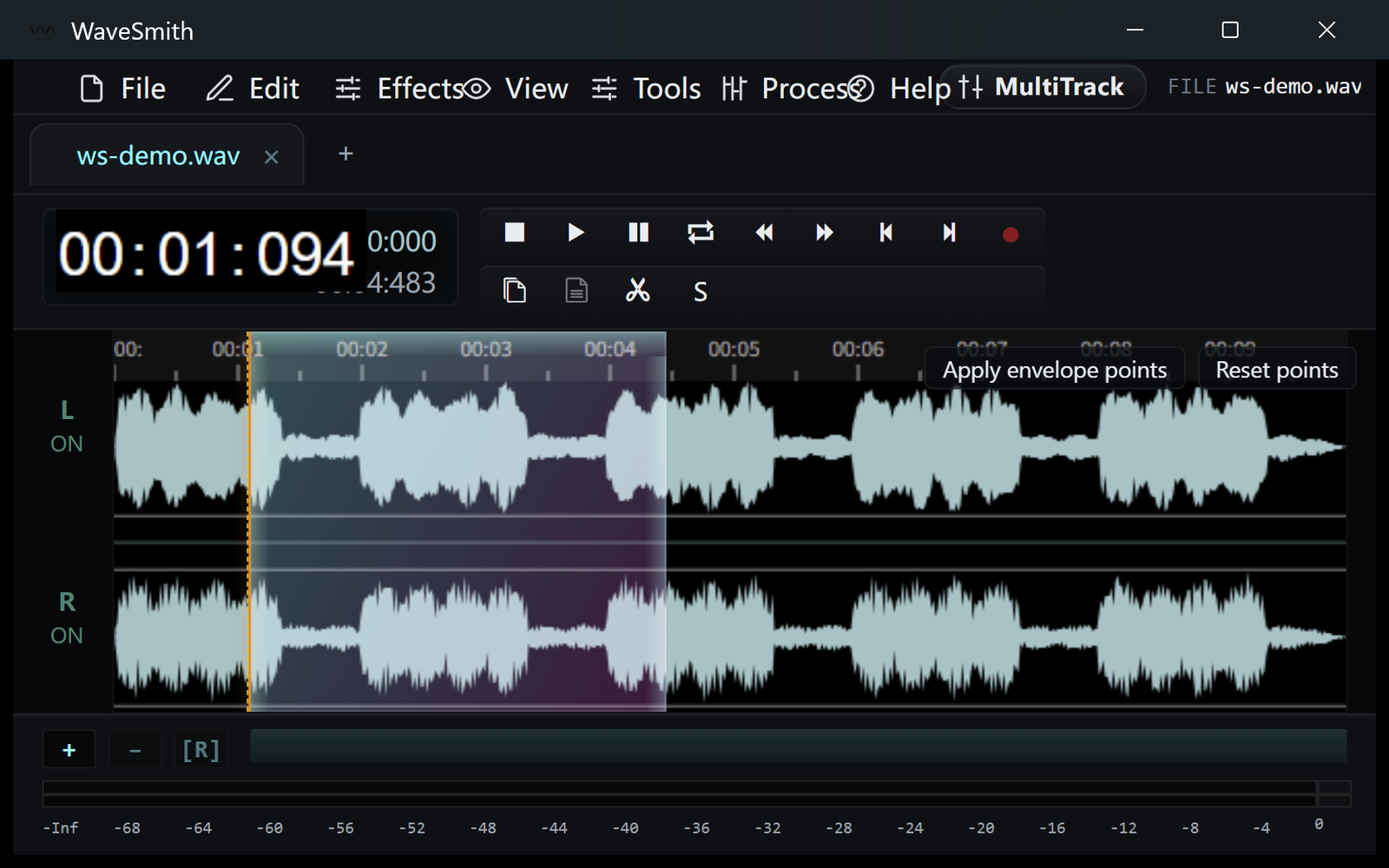
Step 1 Effect menu for EQ/compressor/pitch; Process for repair and LUFS.
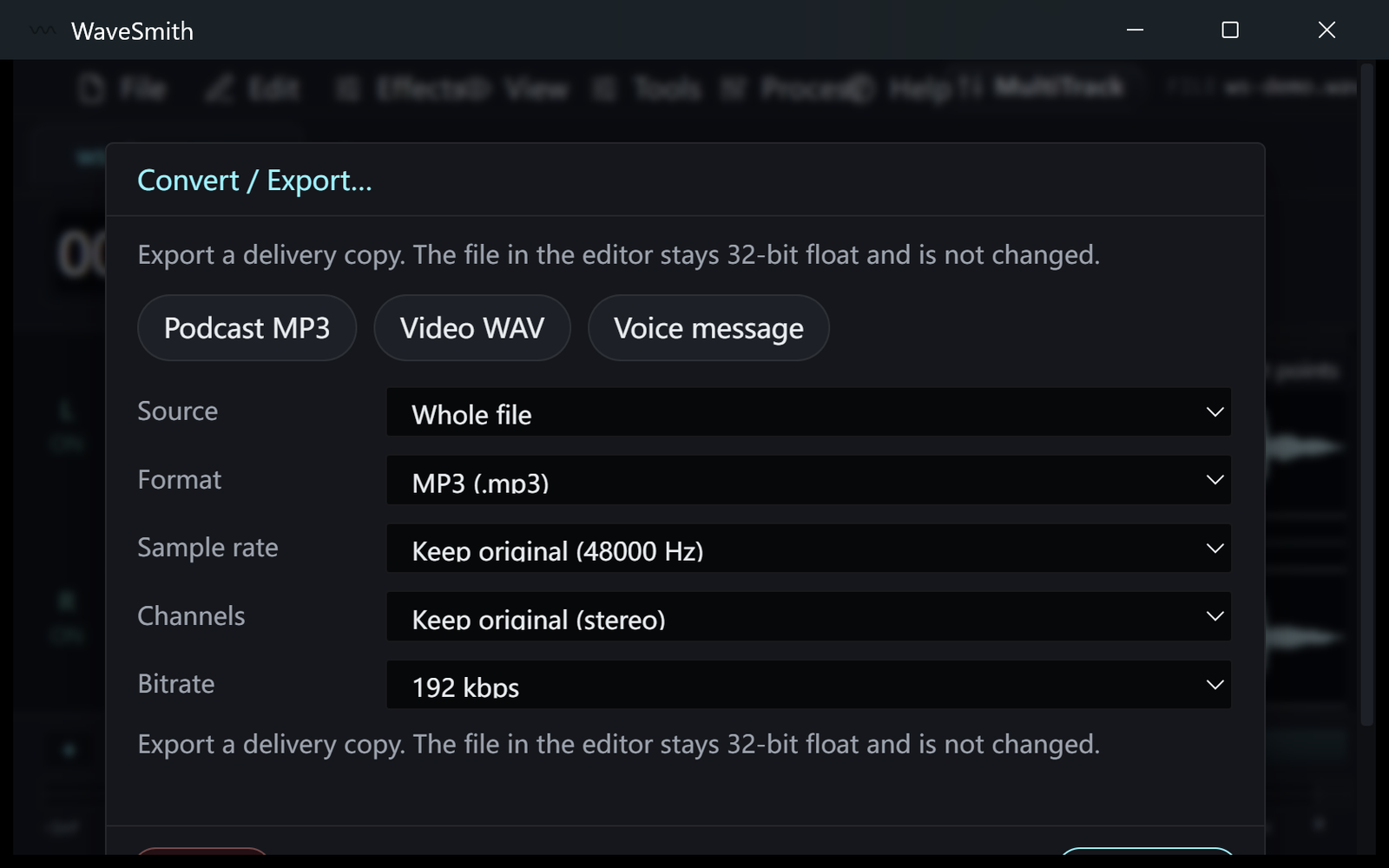
Step 2 Undo if the pass was proud. The history list names the step.
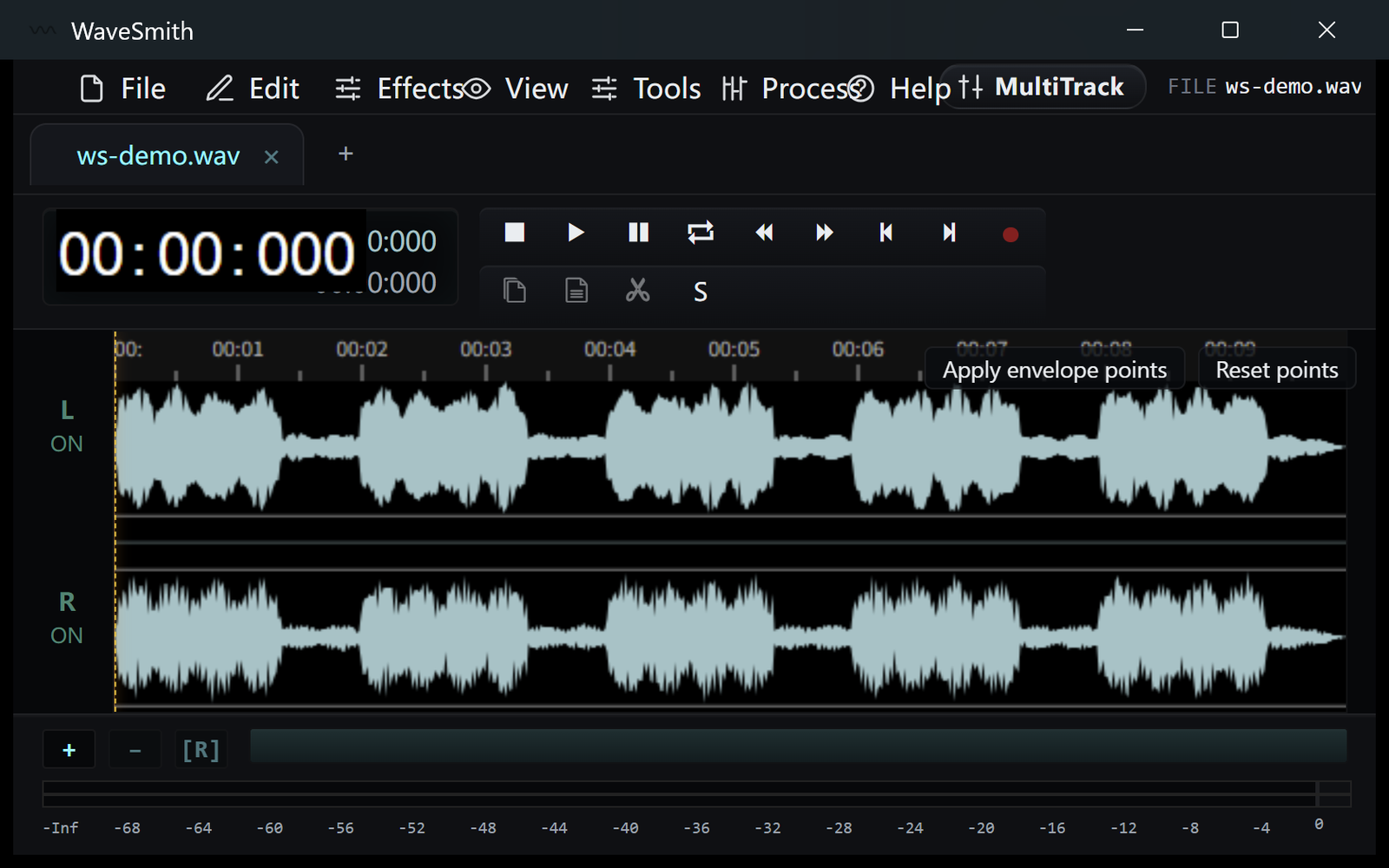
Step 3


Ready? Download the Windows installer.
Related
Install it. Open a file. Feel the difference.
Free Windows 64-bit installer. WaveSmith 1.1.0. Your audio does not go to our servers — we do not have a place to put it.
Download WaveSmith free