 WaveSmith
Home / Features / WASAPI record: mic, loopback, punch-in
WASAPI record: mic, loopback, punch-in

Tools → Record uses WASAPI. Capture the mic, what the PC is playing, or a mix. Punch-in starts at the playhead so a retake does not rebuild the whole file.
After the take, run the podcast chain, gate the noise floor, or split on silence into tabs. Recording is the start of the file, not a separate app you have to round-trip.
This feature page lists WASAPI: mic, loopback, mix, punch-in from the playhead. The illustrated afternoon is How to record audio on Windows. Finishing an episode with LUFS is a different tutorial.
How to do it in WaveSmith
Tools → Record (Ctrl+Shift+R). Pick mic, loopback, or mix.
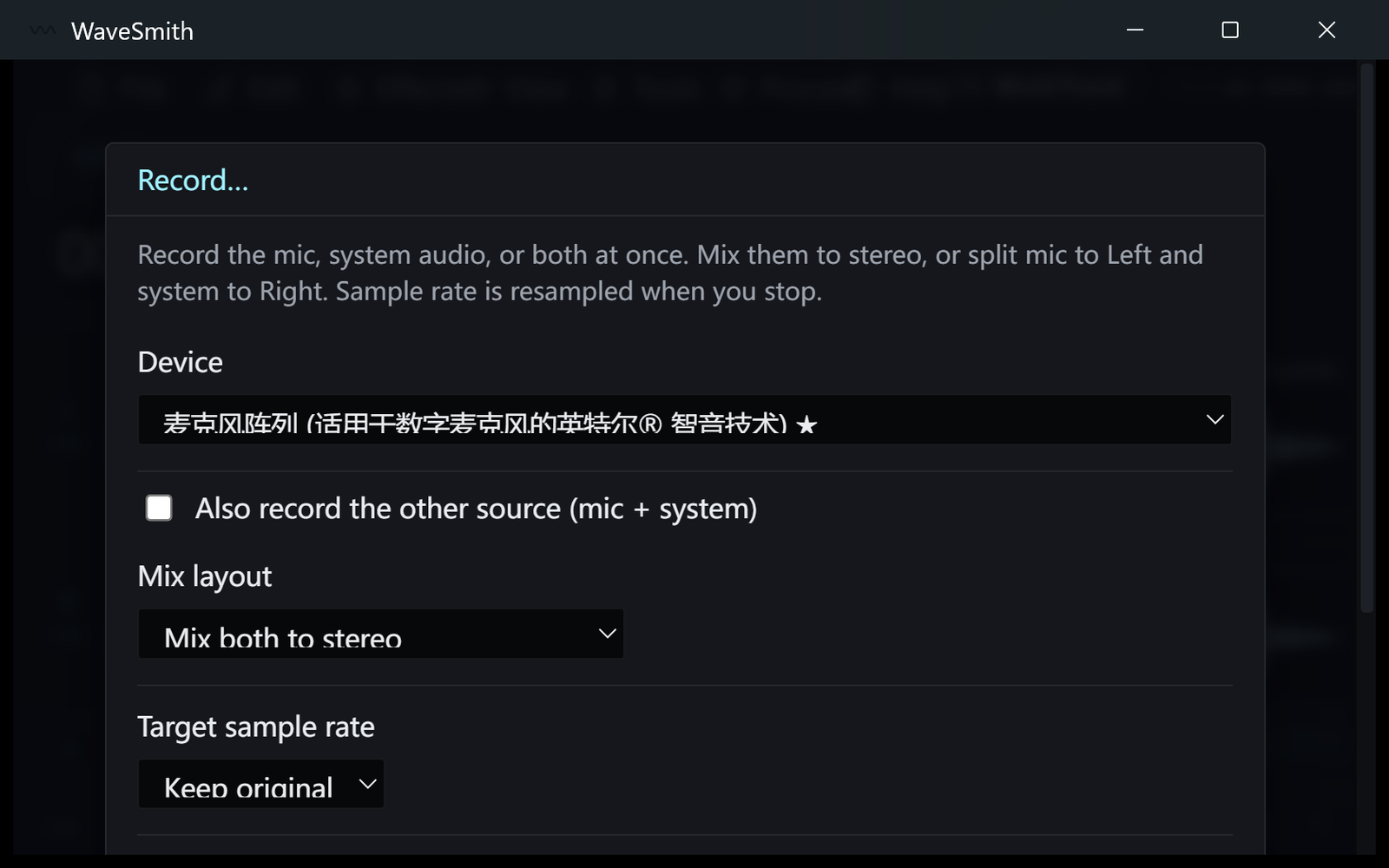
Step 1 Watch the meter; stop when the thought is finished.
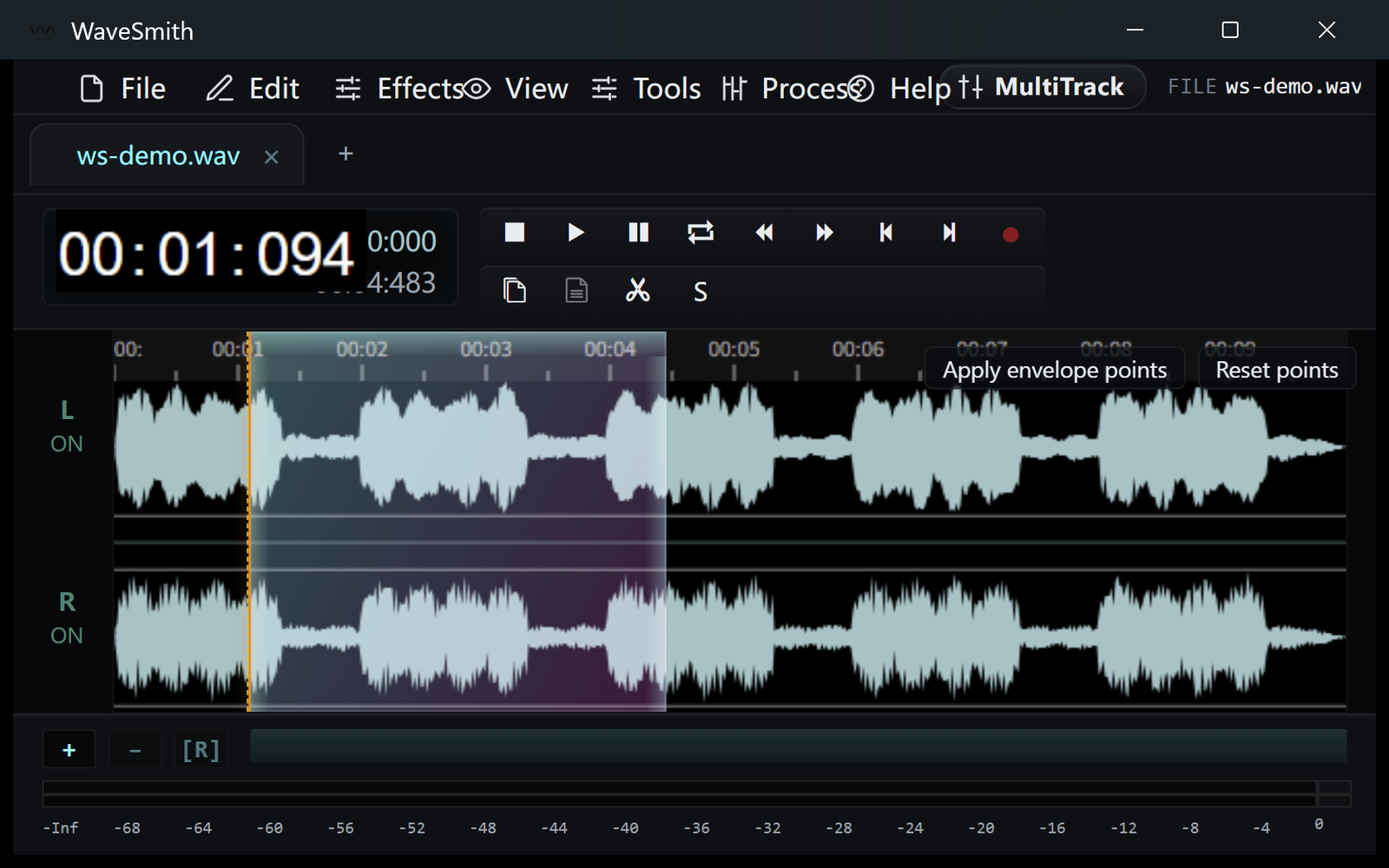
Step 2 Punch-in from the playhead if only one sentence failed.
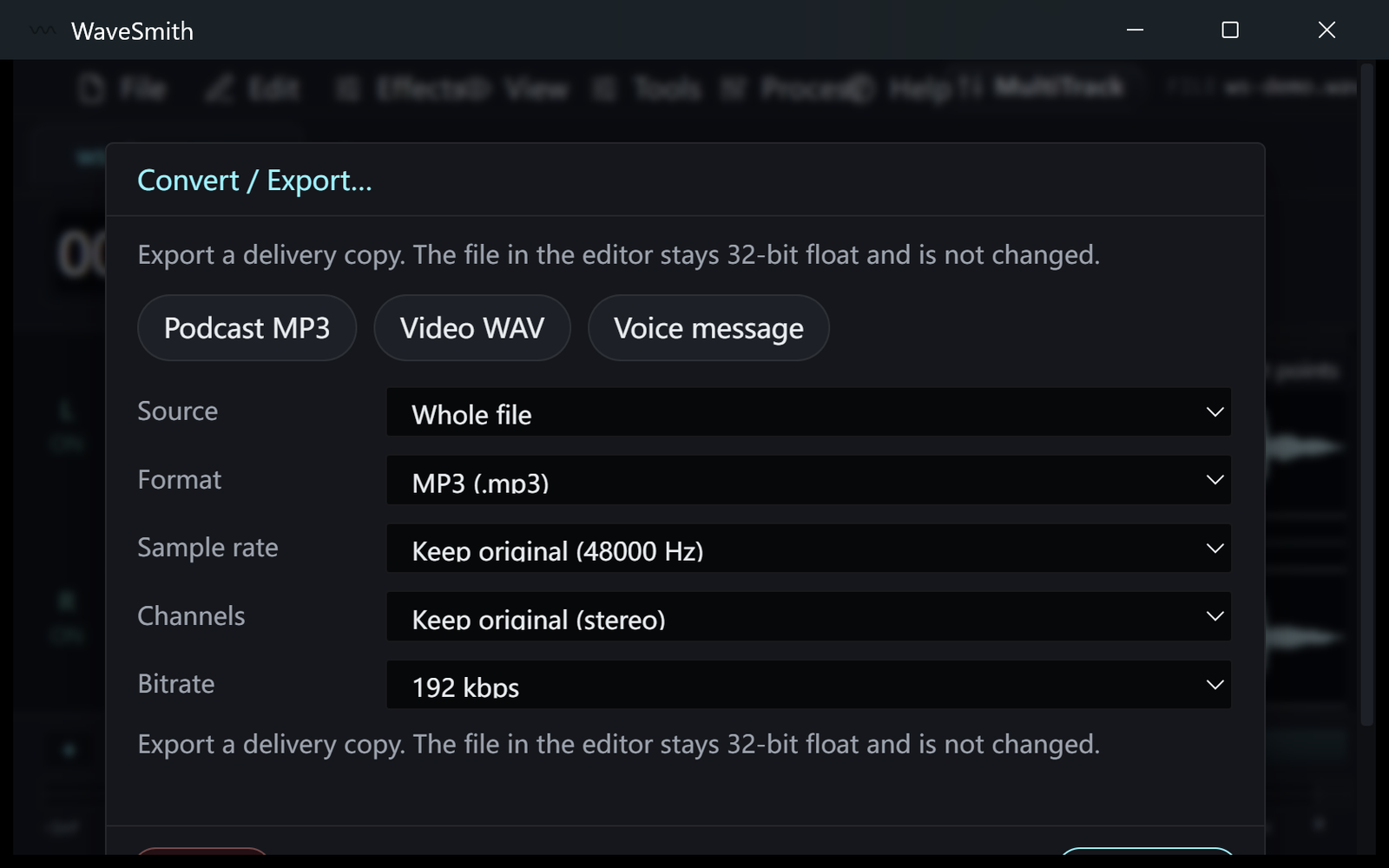
Step 3


Ready? Download the Windows installer.
Related
Install it. Open a file. Feel the difference.
Free Windows 64-bit installer. WaveSmith 1.1.0. Your audio does not go to our servers — we do not have a place to put it.
Download WaveSmith free