 WaveSmith
Home / Features / Open video files as a waveform (MP4, MKV, MOV)
Open video files as a waveform (MP4, MKV, MOV)

File → Open a video the way you open a WAV. WaveSmith pulls the soundtrack with FFmpeg so you can trim an interview that only exists as a camera file.
When the wave is clean, Convert/Export back to WAV 48 kHz for the NLE, or MP3 if you only needed the words. You never had to install a separate “video to MP3” gadget.
This feature page is the format list: Open MP4, MKV, MOV, WEBM as a waveform. The WAV soundtrack how-to and the listening-MP3 how-to are separate guides so an NLE job and a commute copy do not share one title.
How to do it in WaveSmith
File → Open, set the filter to video if you need to see those extensions.
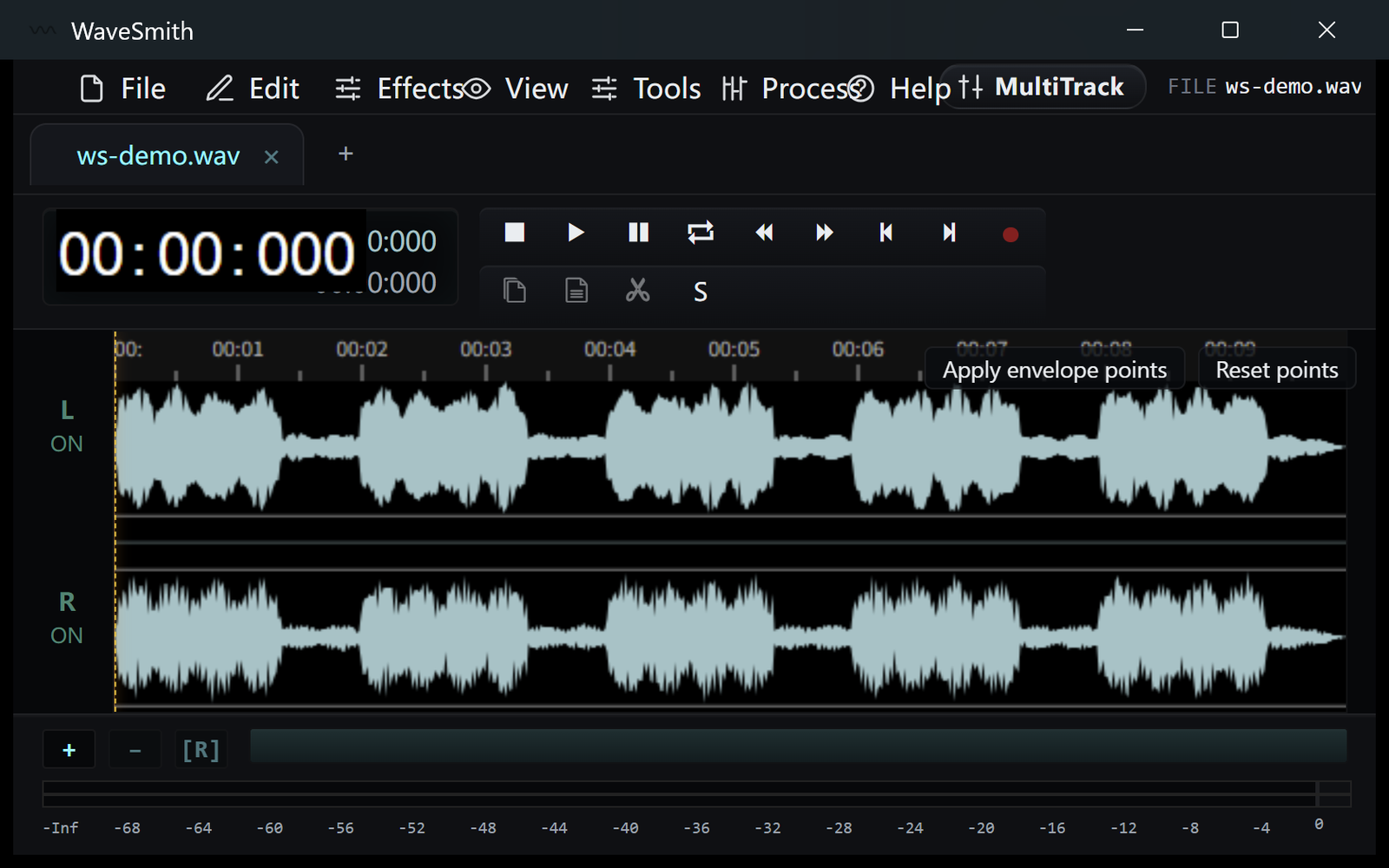
Step 1 Wait for the waveform. Trim like any other file.
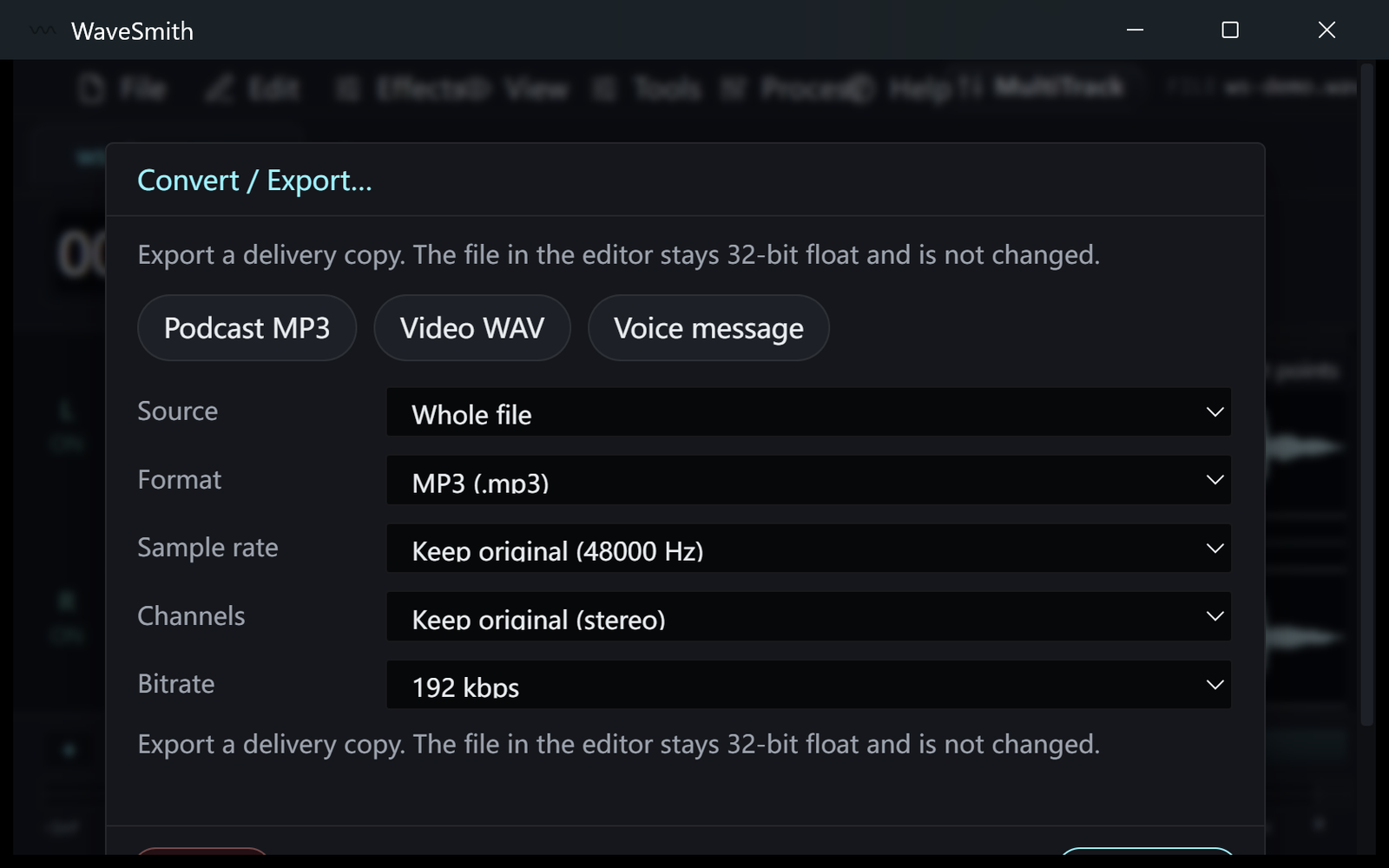
Step 2 Convert/Export the delivery copy your editor or host wants.
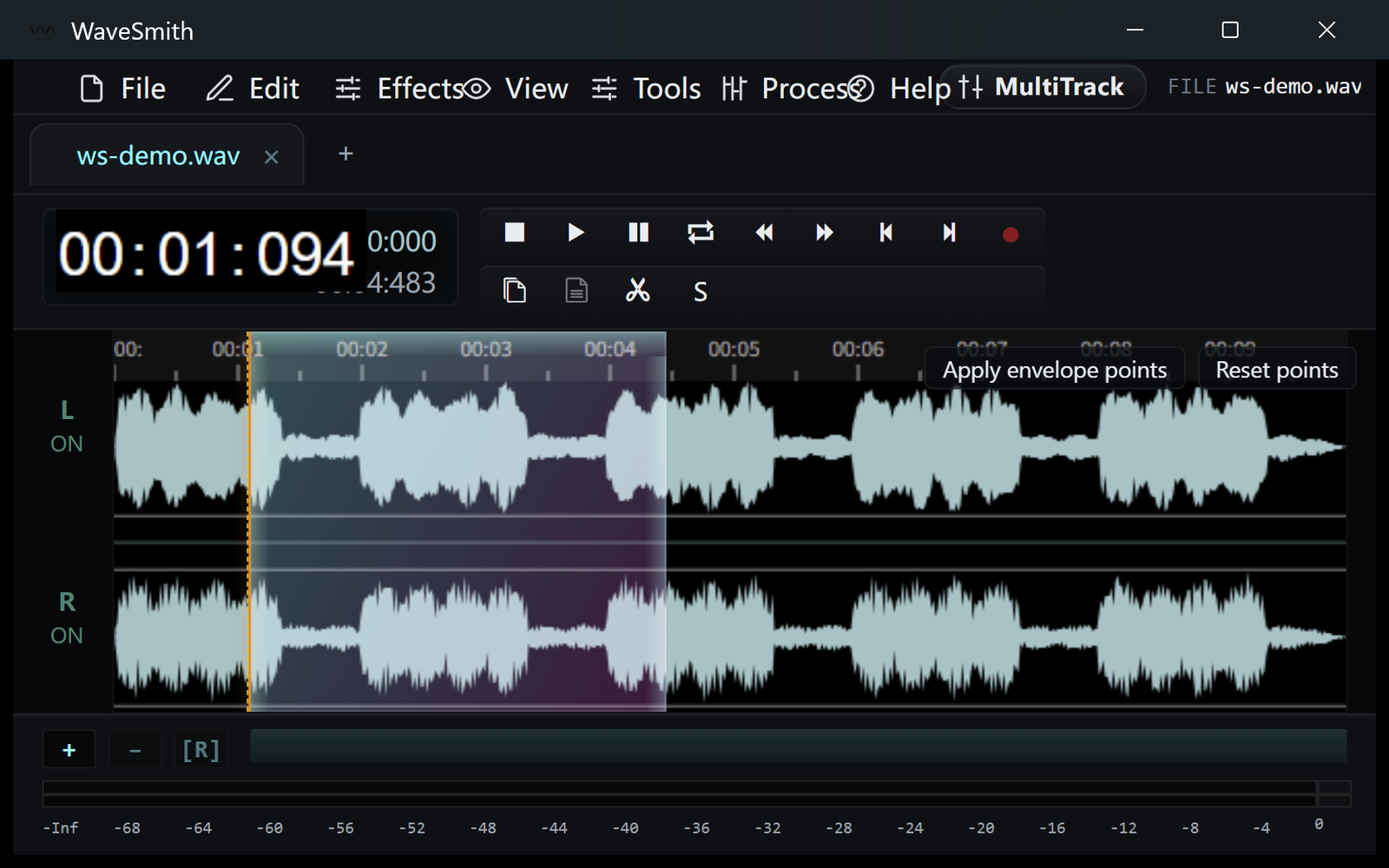
Step 3


Ready? Download the Windows installer.
Related
Install it. Open a file. Feel the difference.
Free Windows 64-bit installer. WaveSmith 1.1.0. Your audio does not go to our servers — we do not have a place to put it.
Download WaveSmith free