 WaveSmith
Spectrogram

Waveforms hide a 15 kHz beep. The spectrogram does not. Tools → Spectrogram docks under the wave; draw a frequency box and attenuate or cut.
Use it for HVAC tones, fluorescent buzz, a leftover test-tone, the one string squeak that survived de-click. Then bounce back to the waveform for the musical edit.
How to do it in WaveSmith
Tools → Spectrogram.
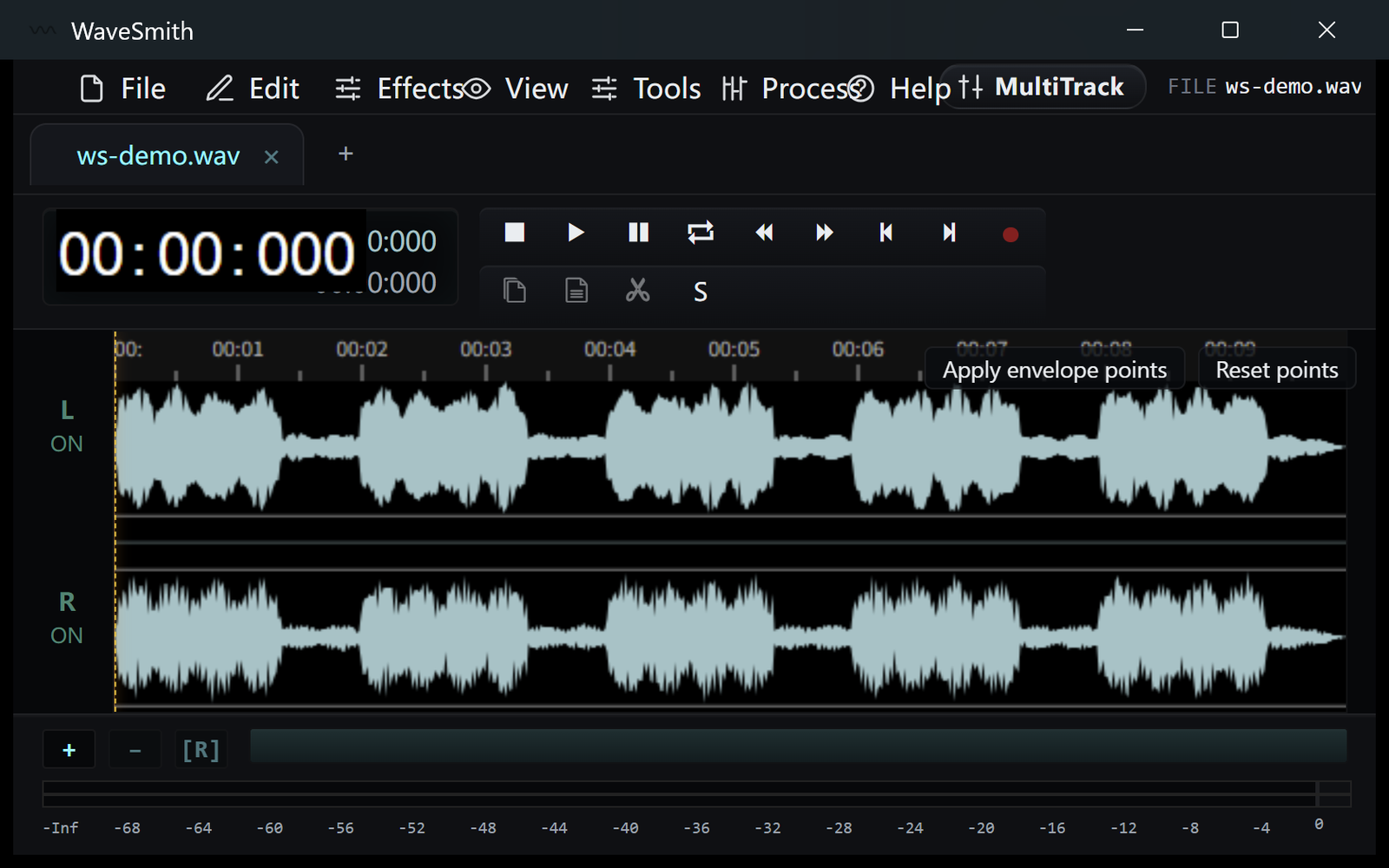
Step 1 Draw a box around the stain.
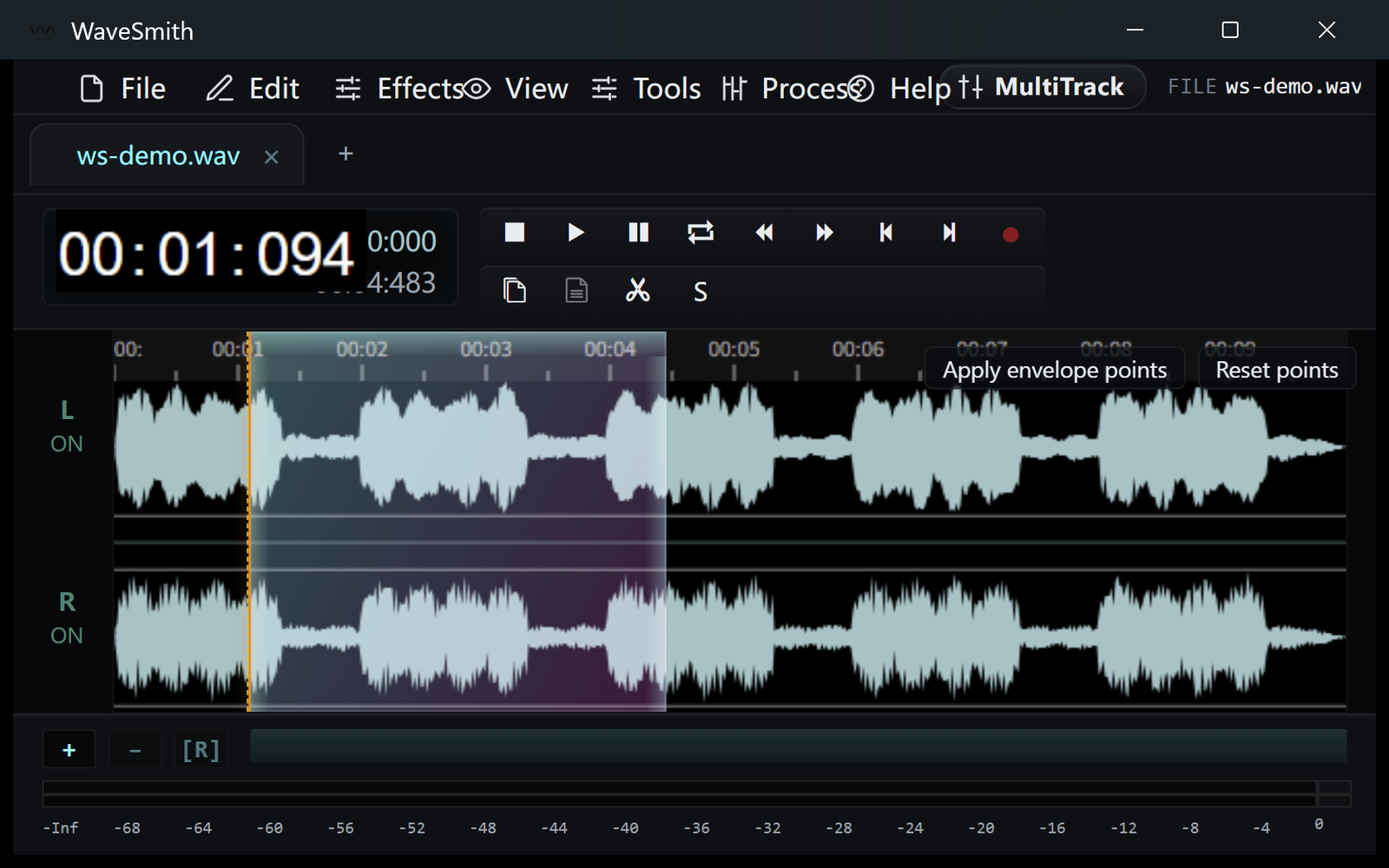
Step 2 Attenuate or cut, then solo-listen the result.
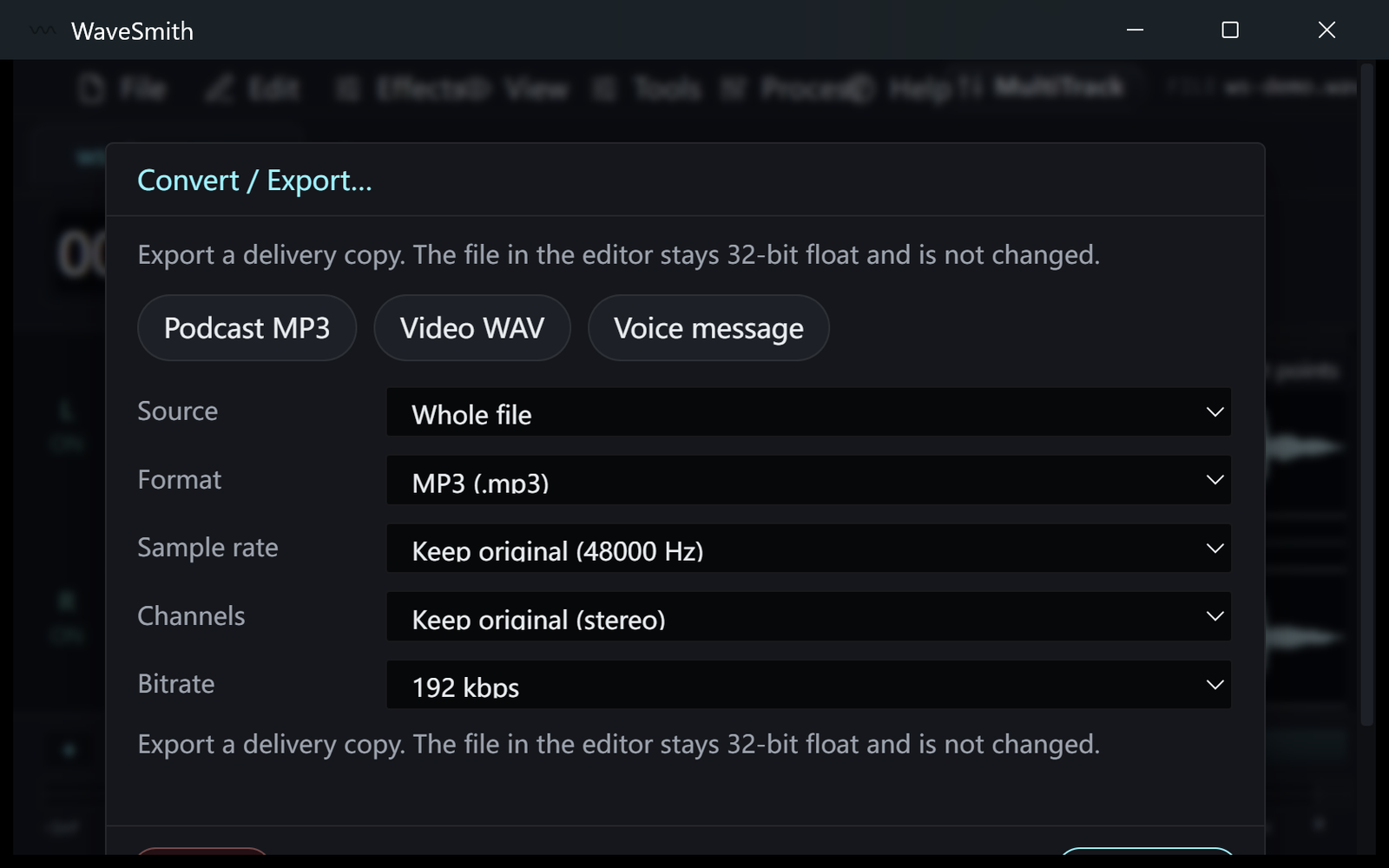
Step 3


Ready? Download the Windows installer.
Related
Install it. Open a file. Feel the difference.
Free Windows 64-bit installer. WaveSmith 1.1.0. Your audio does not go to our servers — we do not have a place to put it.
Download WaveSmith free