 WaveSmith
Home / Features / Multi-track lanes
Multi-track lanes

The mixer and multi-track view stay in the same app as the waveform. Concatenate tabs when the story is serial. Keep it a workstation, not a DAW cosplay.
A/B snapshots let you store a version, try a louder chain, and swap back without a Save As dance. History (Ctrl+Shift+H) lists the edits if you need to talk to yourself from ten minutes ago.
How to do it in WaveSmith
Open the files that belong together.
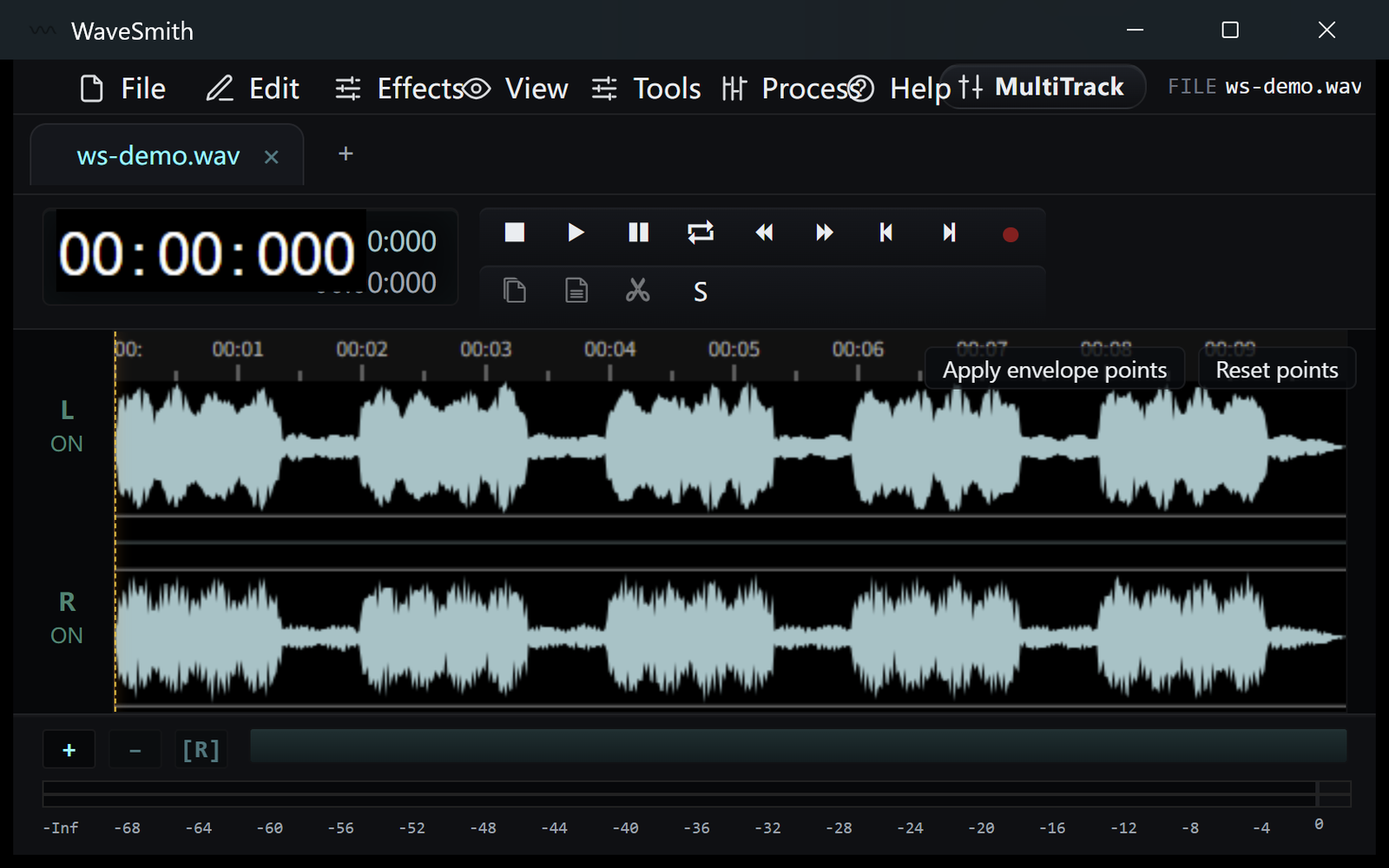
Step 1 Use multi-track or concatenate tabs if the story is one line.
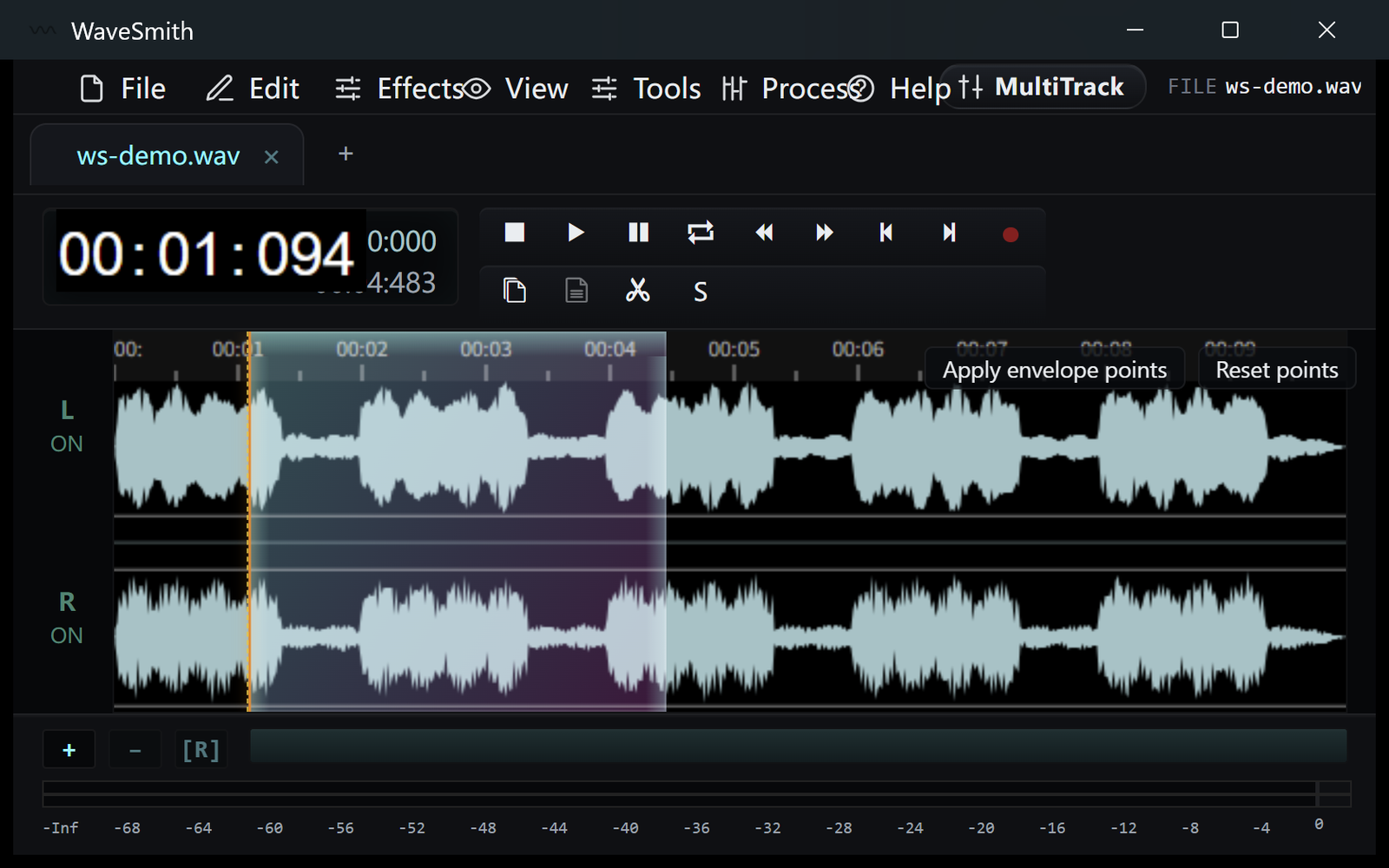
Step 2 Export a mixdown or each lane as needed.
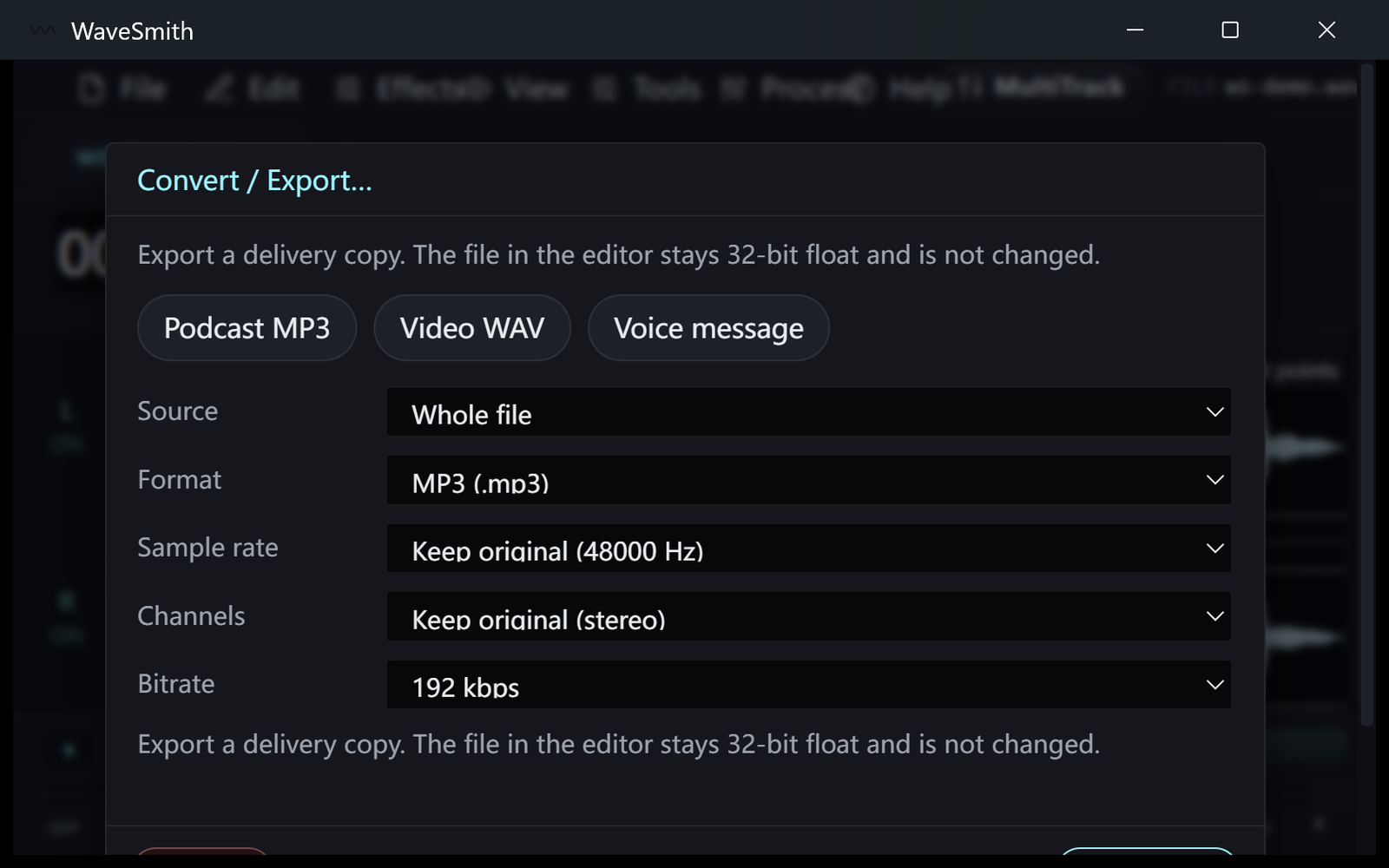
Step 3


Ready? Download the Windows installer.
Related
Install it. Open a file. Feel the difference.
Free Windows 64-bit installer. WaveSmith 1.1.0. Your audio does not go to our servers — we do not have a place to put it.
Download WaveSmith free