 WaveSmith
Home / Features / Import from YouTube (local yt-dlp)
Import from YouTube (local yt-dlp)

File → Import from YouTube. The download is not our server — it is your machine, your folder, your responsibility for the URL.
After the MP3 lands, trim intros, match LUFS, convert to M4A, or split on silence. That is the point of a workstation instead of a one-shot website converter.
This feature page is the menu map: File → Import from YouTube runs local yt-dlp. The illustrated 1-2-3 lives on How to make a YouTube MP3 on this PC. Rights still apply. This is not a pirate converter.
How to do it in WaveSmith
File → Import from YouTube…
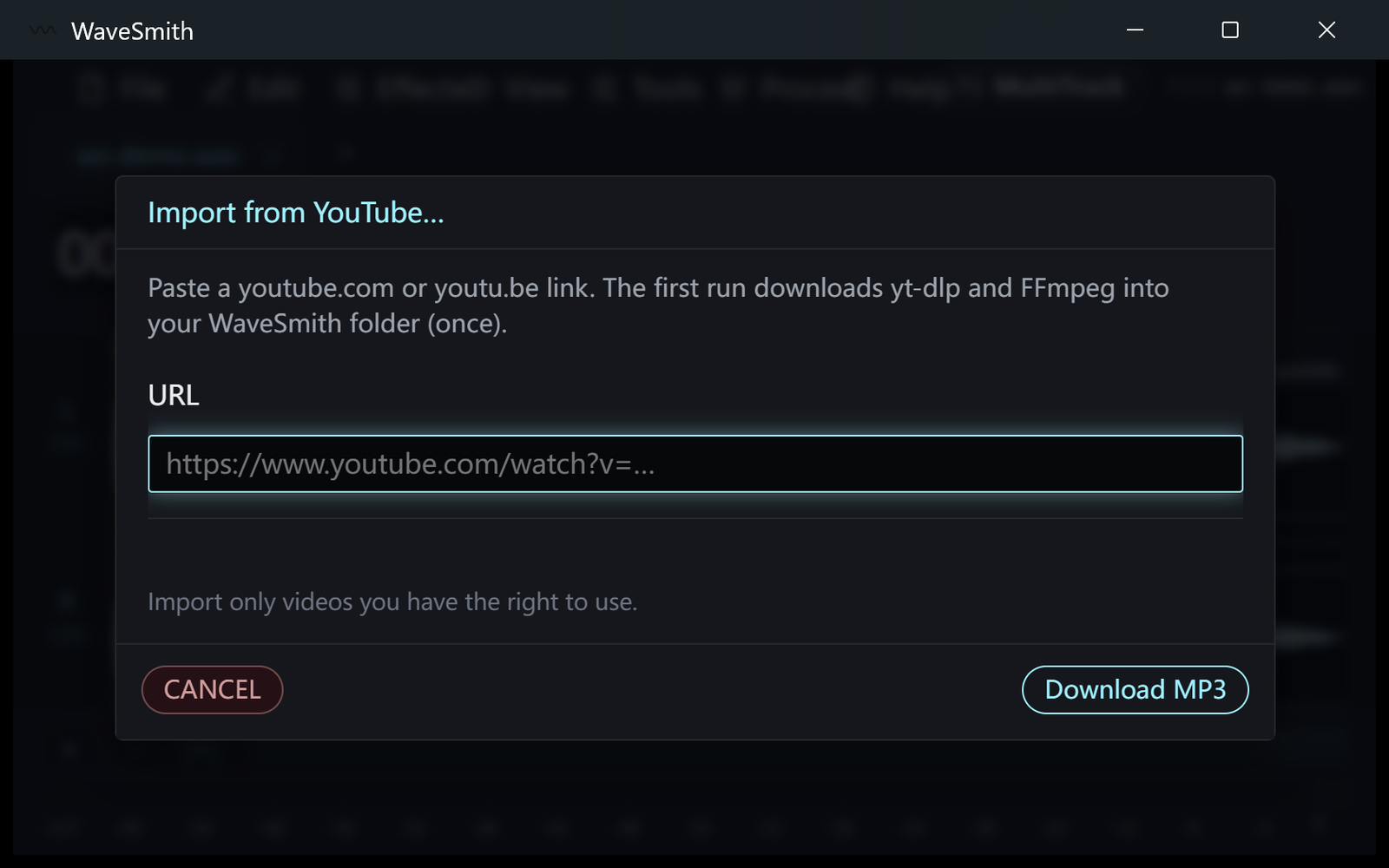
Step 1 Paste a URL you are allowed to download.
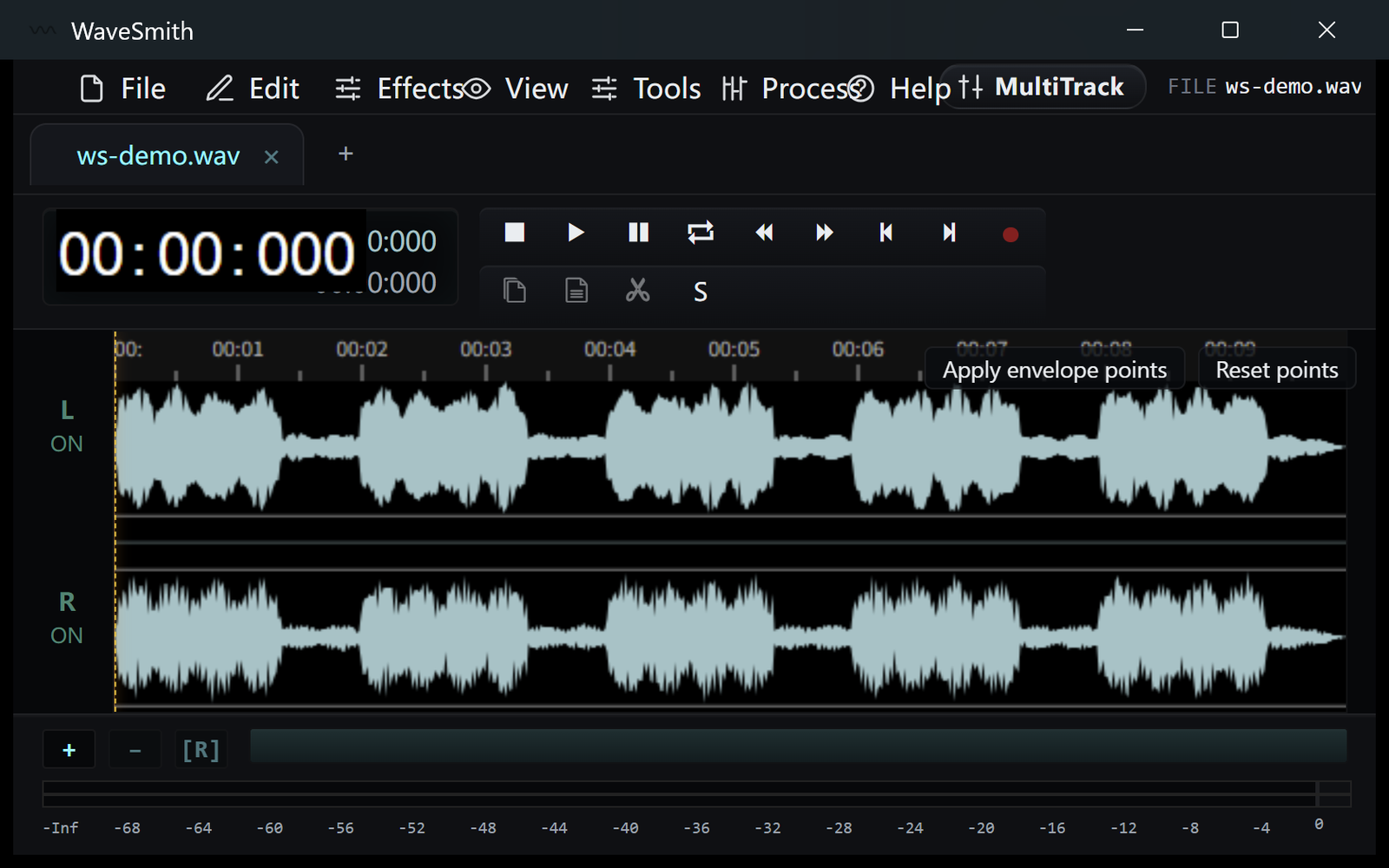
Step 2 When the MP3 opens, trim and Convert/Export if you need another format.
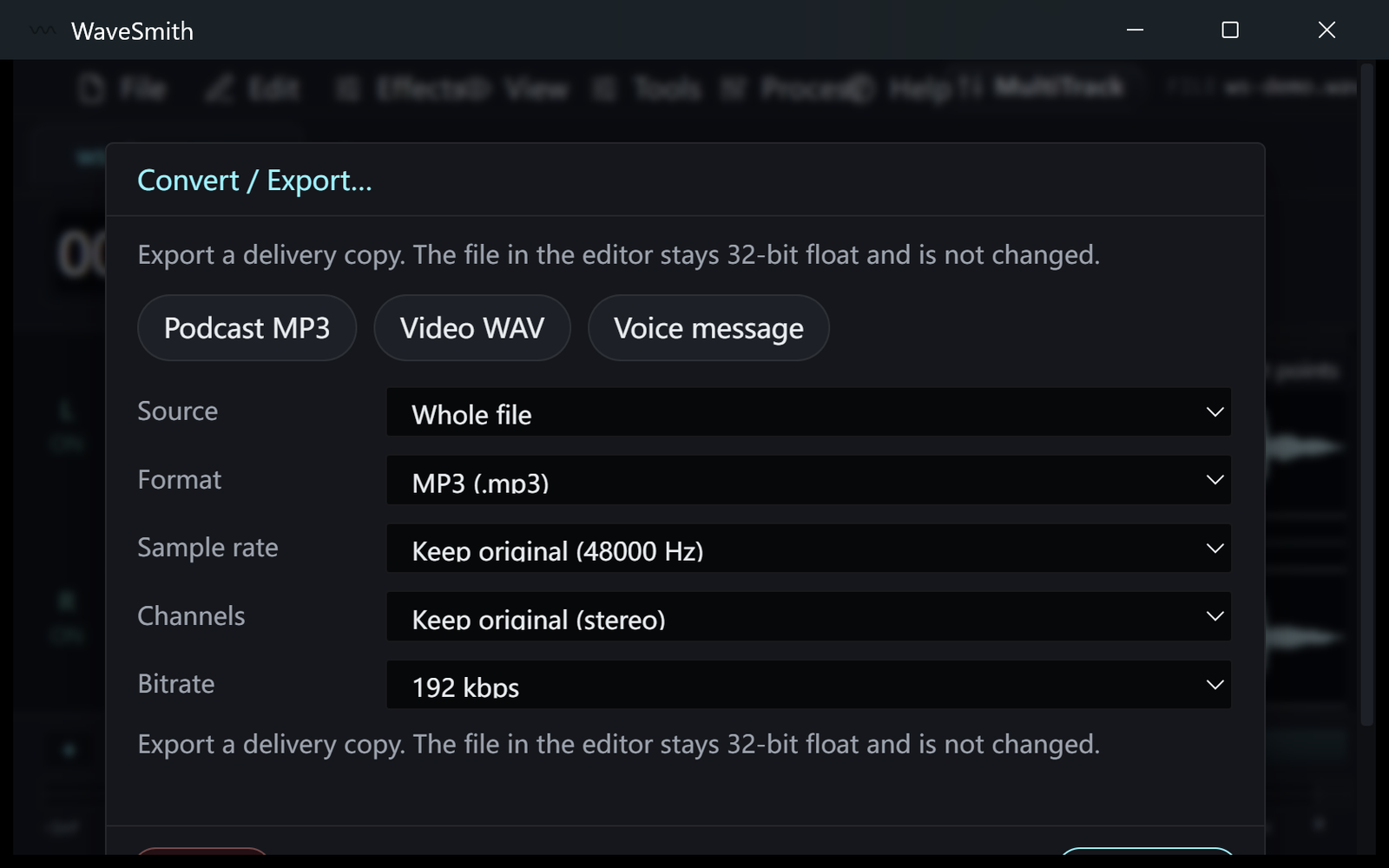
Step 3


Ready? Download the Windows installer.
Related
Install it. Open a file. Feel the difference.
Free Windows 64-bit installer. WaveSmith 1.1.0. Your audio does not go to our servers — we do not have a place to put it.
Download WaveSmith free