 WaveSmith
Home / Features / Noise reduction & repair
Noise reduction & repair

Process is where damaged voice goes to stop being embarrassing. Each tool is a named pass, not a mystery slider called “enhance”.
Pair repair with the spectrogram box when a whistle or a phone beep is a stain on the picture, not a broadband hiss. Gate after, not instead of, a repair pass if the room is only a little live.
This feature page is Process repair: hiss, hum, click, named passes, spectrogram. The how-to is How to remove background noise. EQ and compressor are not this menu.
How to do it in WaveSmith
Select the ugly region, or work the whole file.
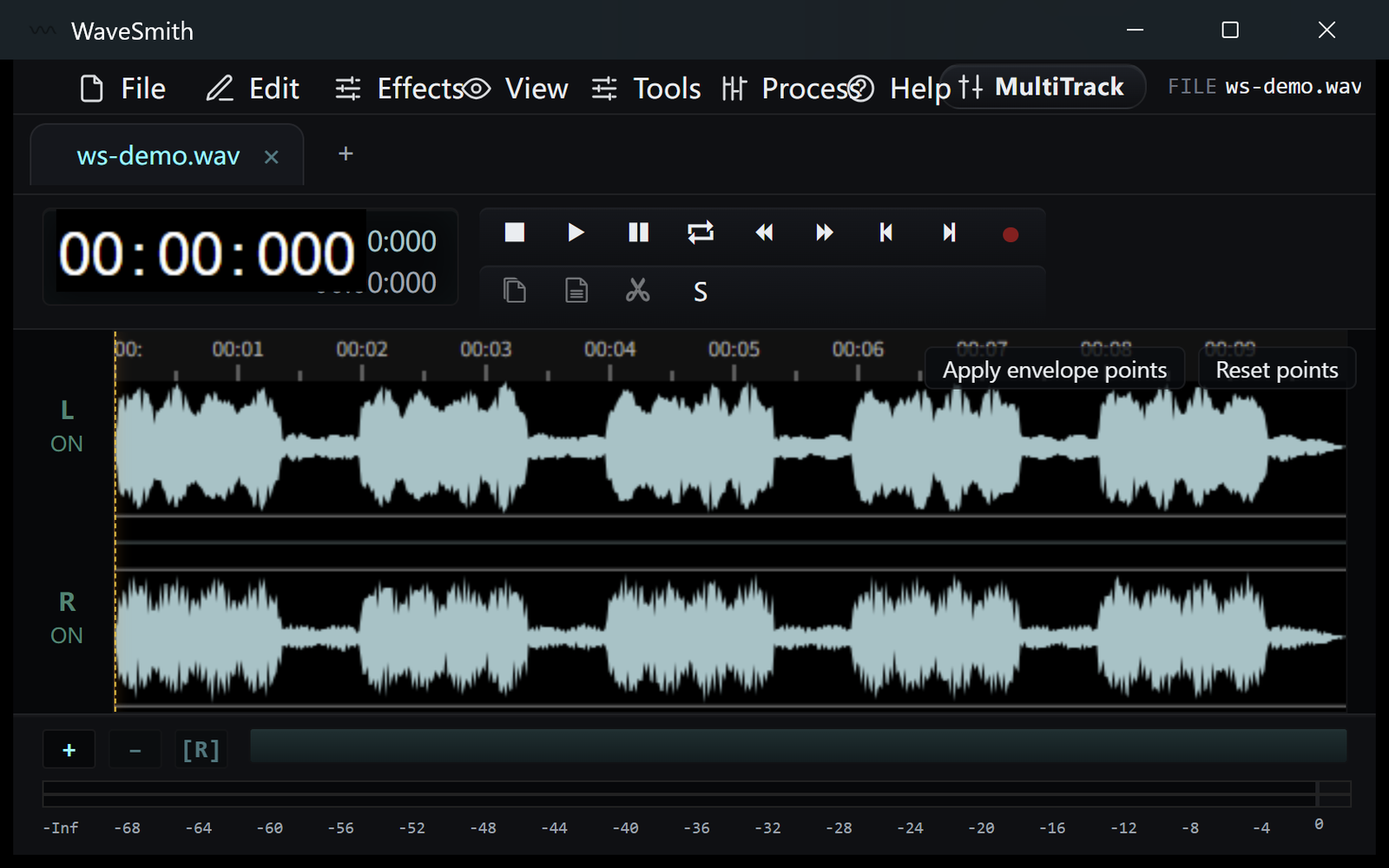
Step 1 Process → the named repair, then listen at the join.
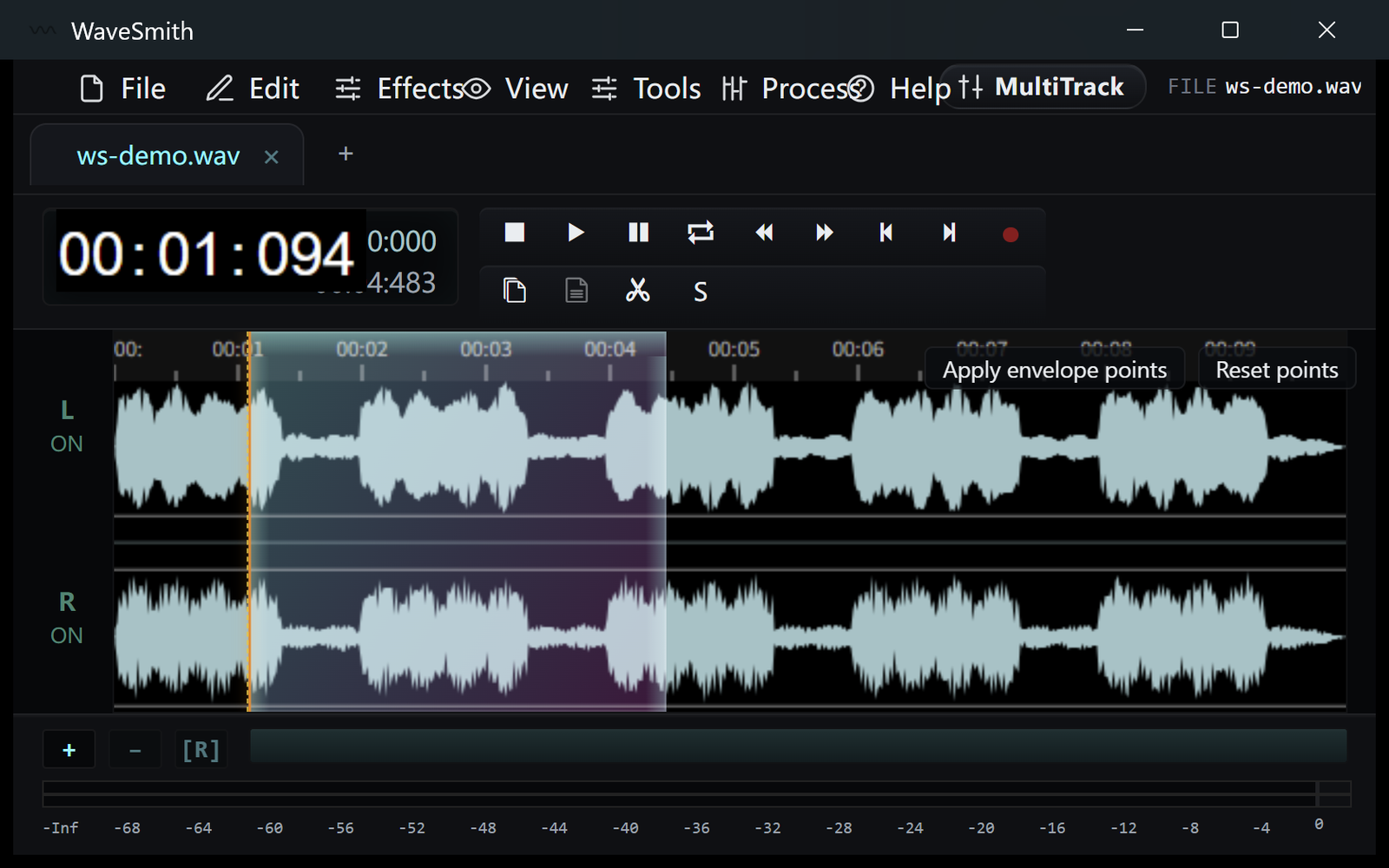
Step 2 If hiss remains, gate. If a tone remains, spectrogram box.
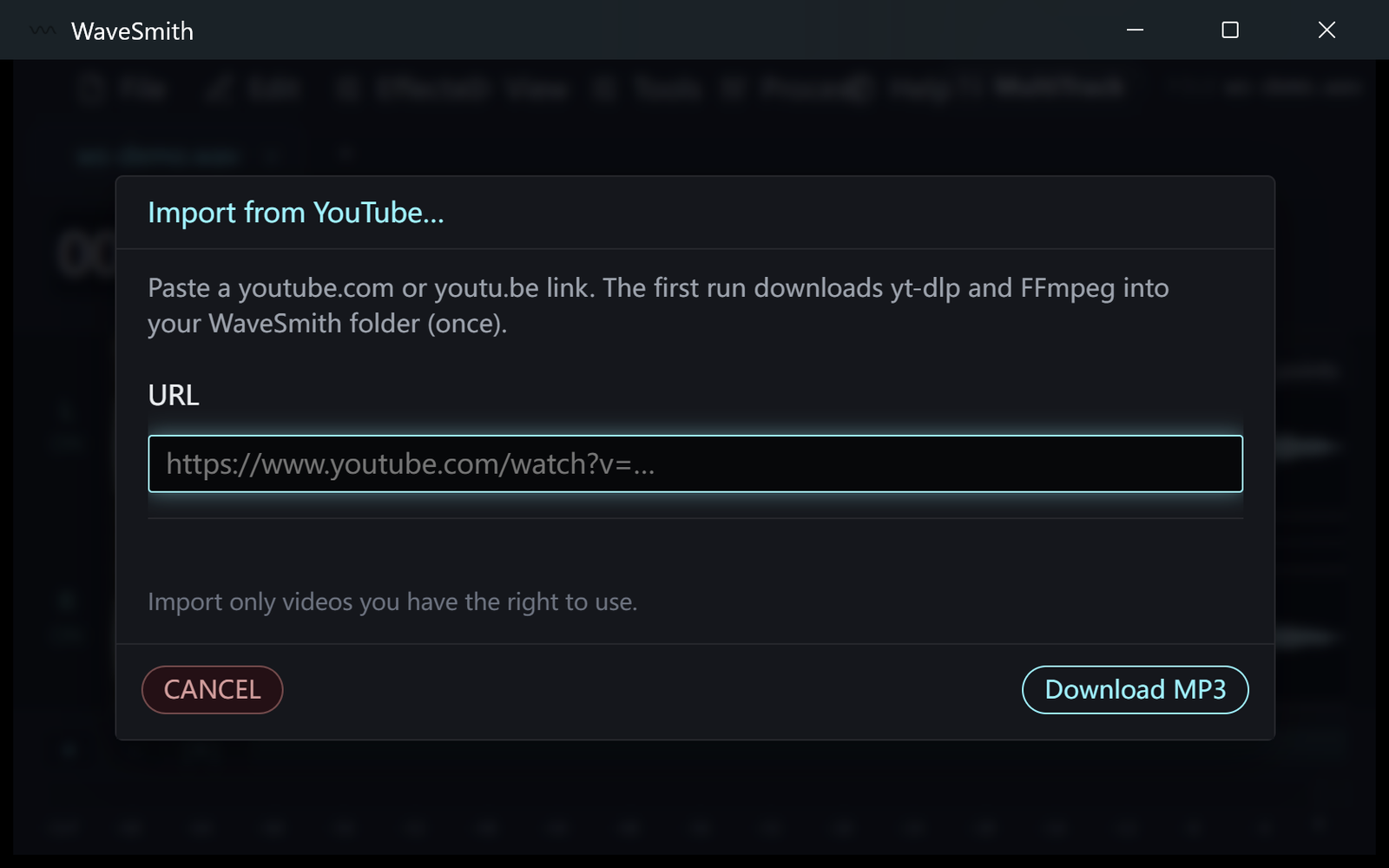
Step 3


Ready? Download the Windows installer.
Related
Install it. Open a file. Feel the difference.
Free Windows 64-bit installer. WaveSmith 1.1.0. Your audio does not go to our servers — we do not have a place to put it.
Download WaveSmith free